Super Admin Account Activities
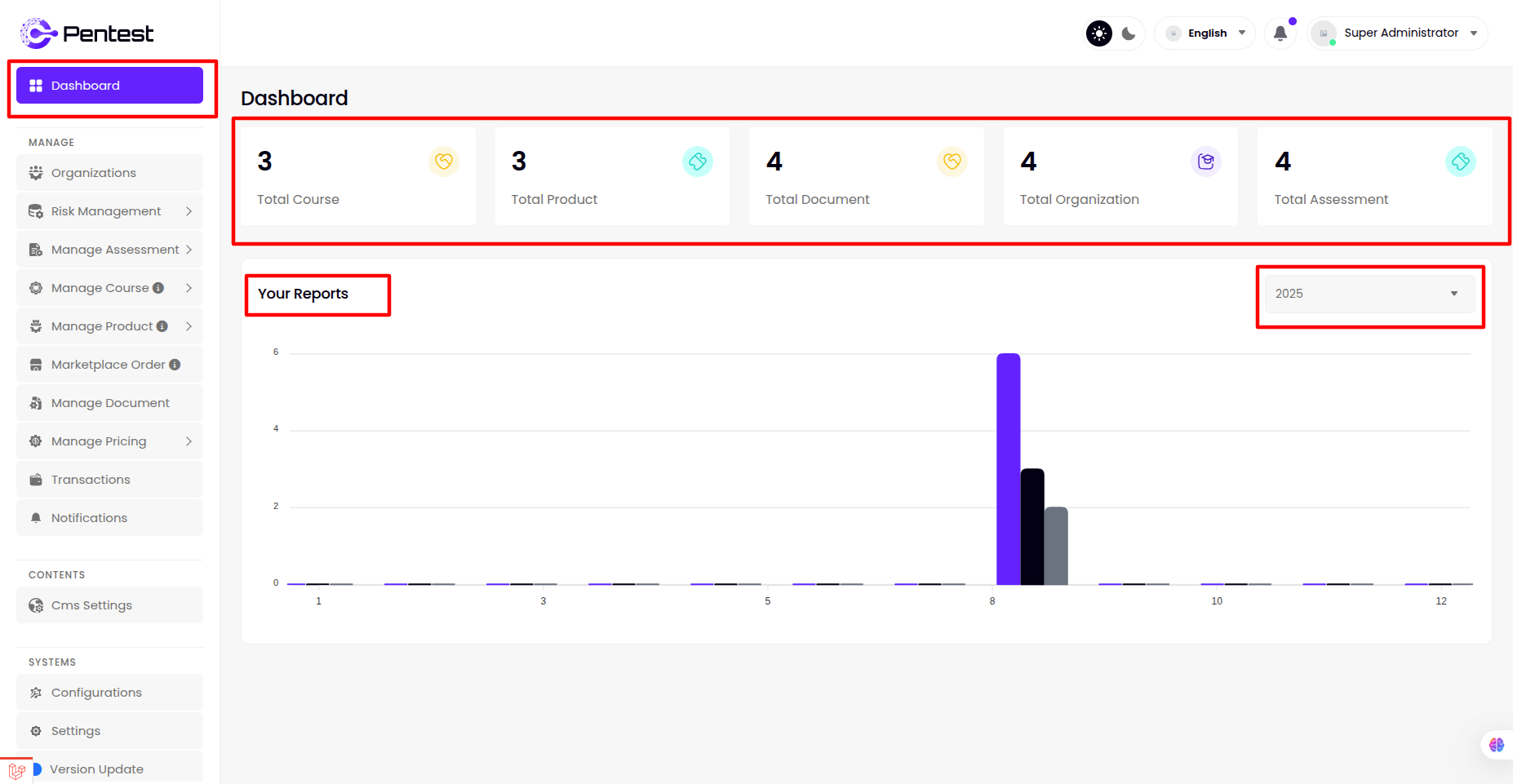
Dashboard
Super Admin can Show
- Total Course
- Total Product
- Total Document
- Total Organization
- Total Assessment
- Sales Reports
Organizations
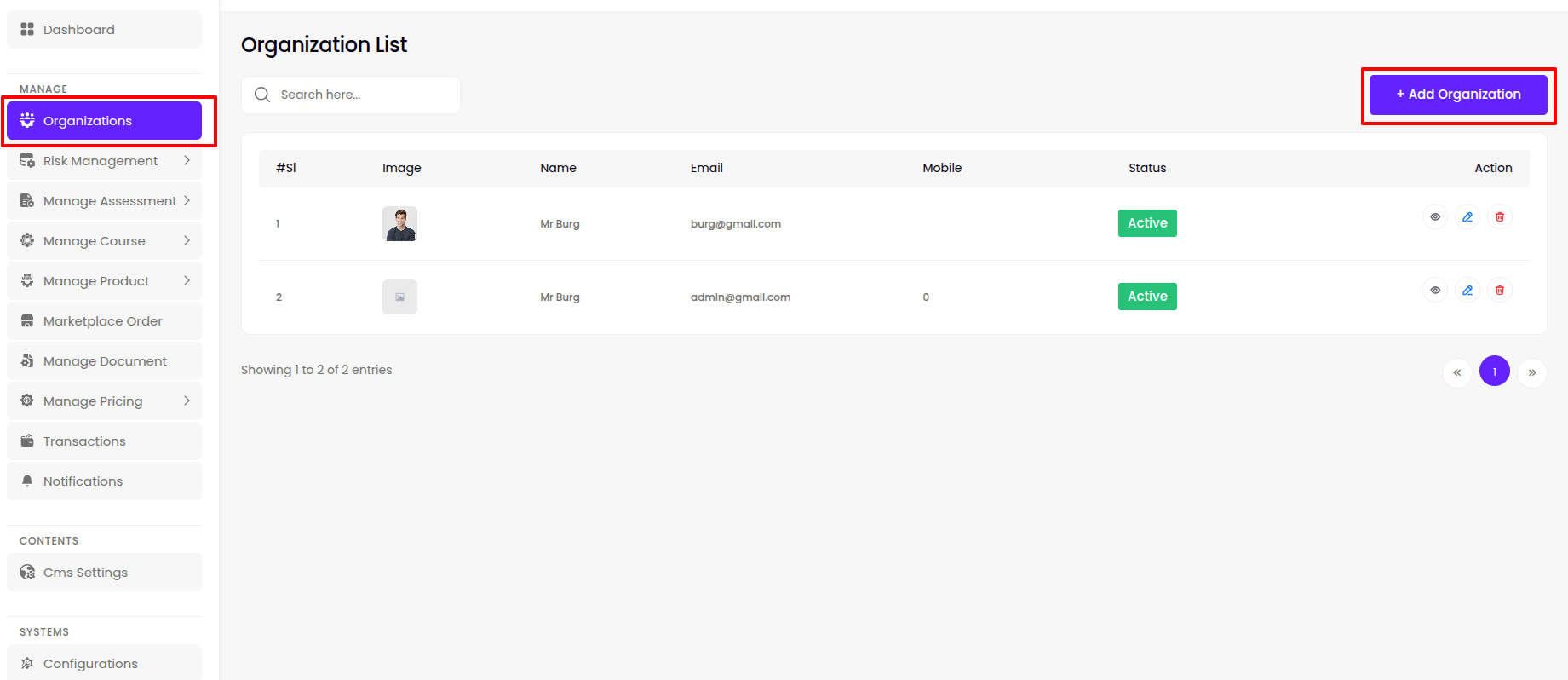
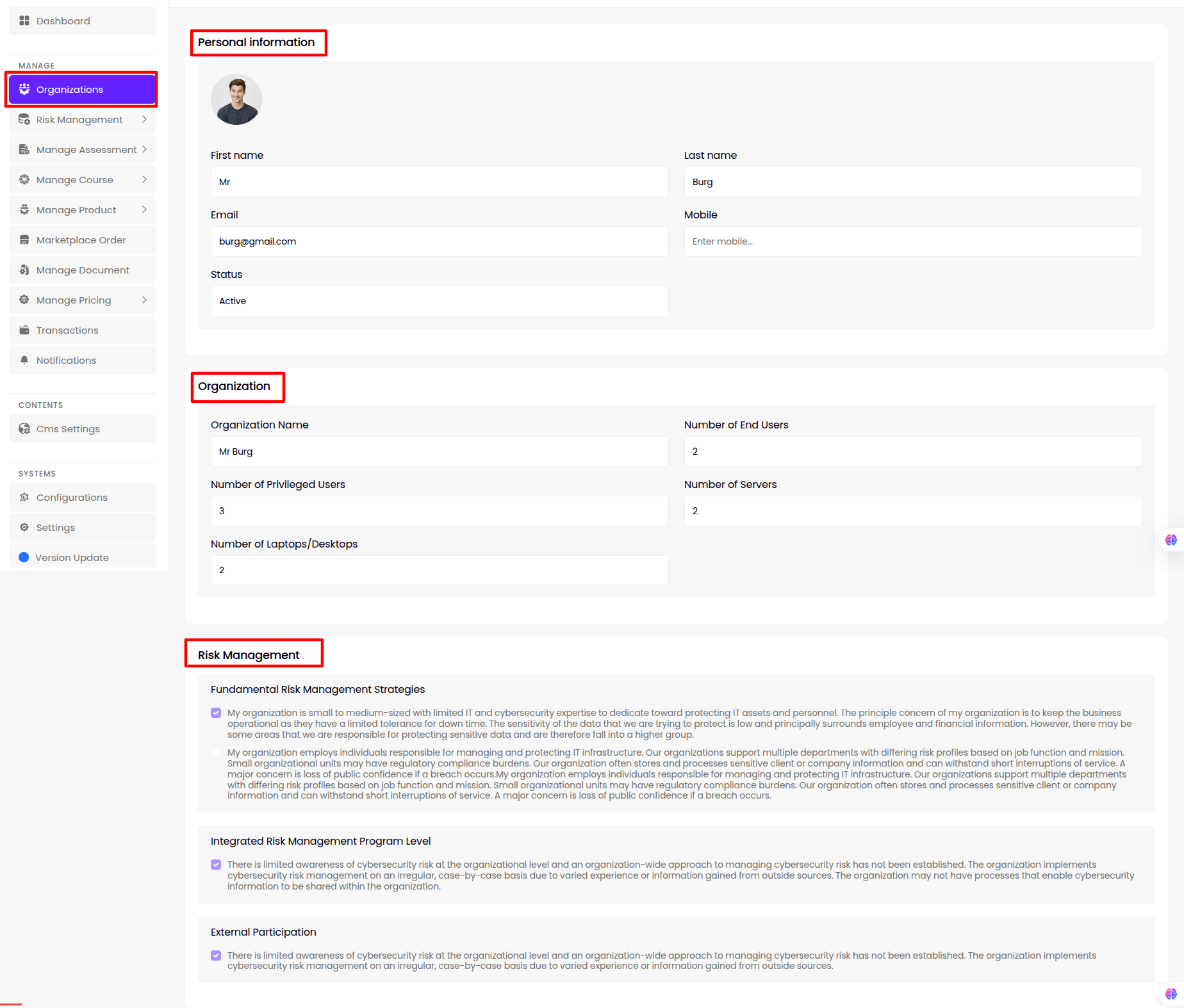
- The super admin can manage all Organizations from this panel, including viewing , editing , deleting or view details existing Organizations, and adding new ones.
-
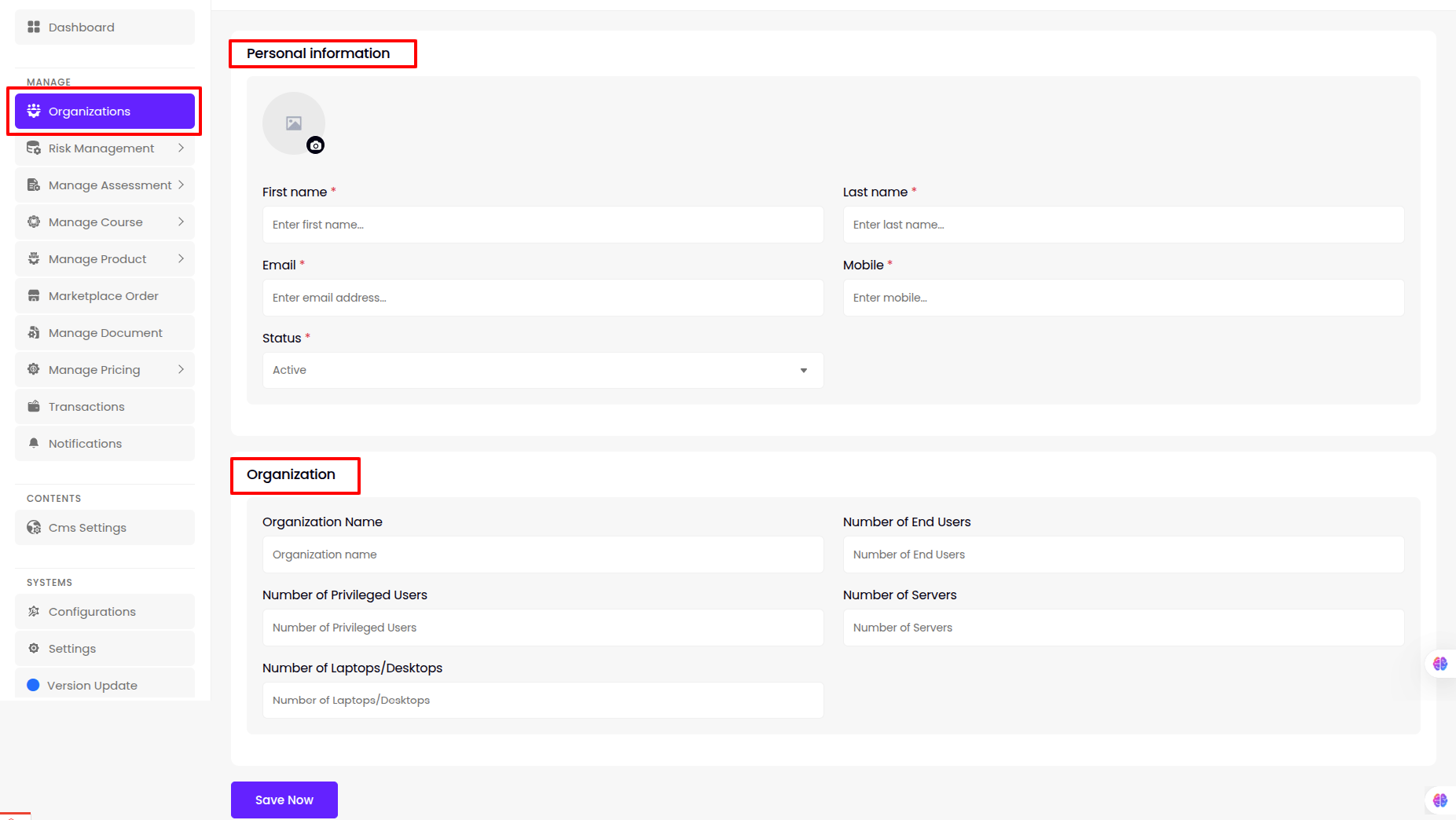
Create/Update
-
The super admin can create and update information such as Personal information and Organization information to ensure comprehensive Organizations management.
-
Details
-
The super admin can view User Organization profile details for each organization.
Risk Management
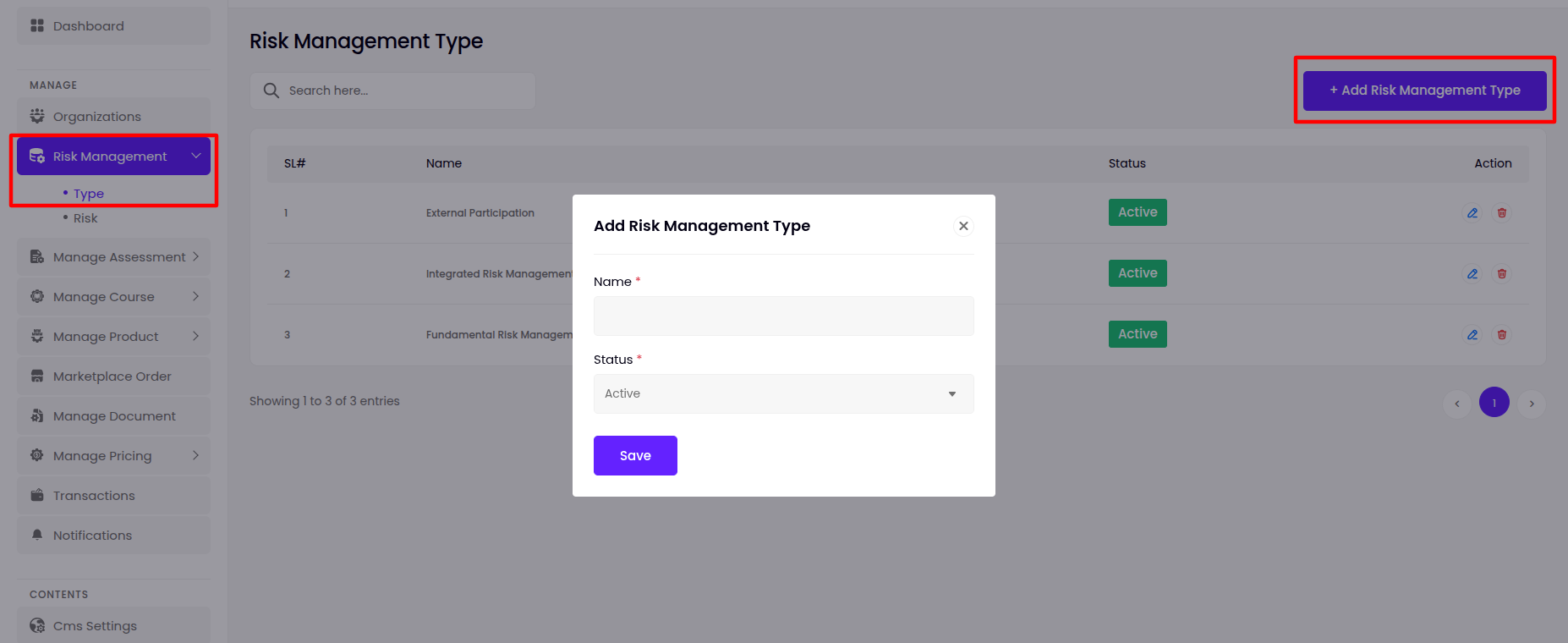
Type
- The super admin can manage all Type from this panel, including viewing , editing or deleting existing Type, and adding new ones.
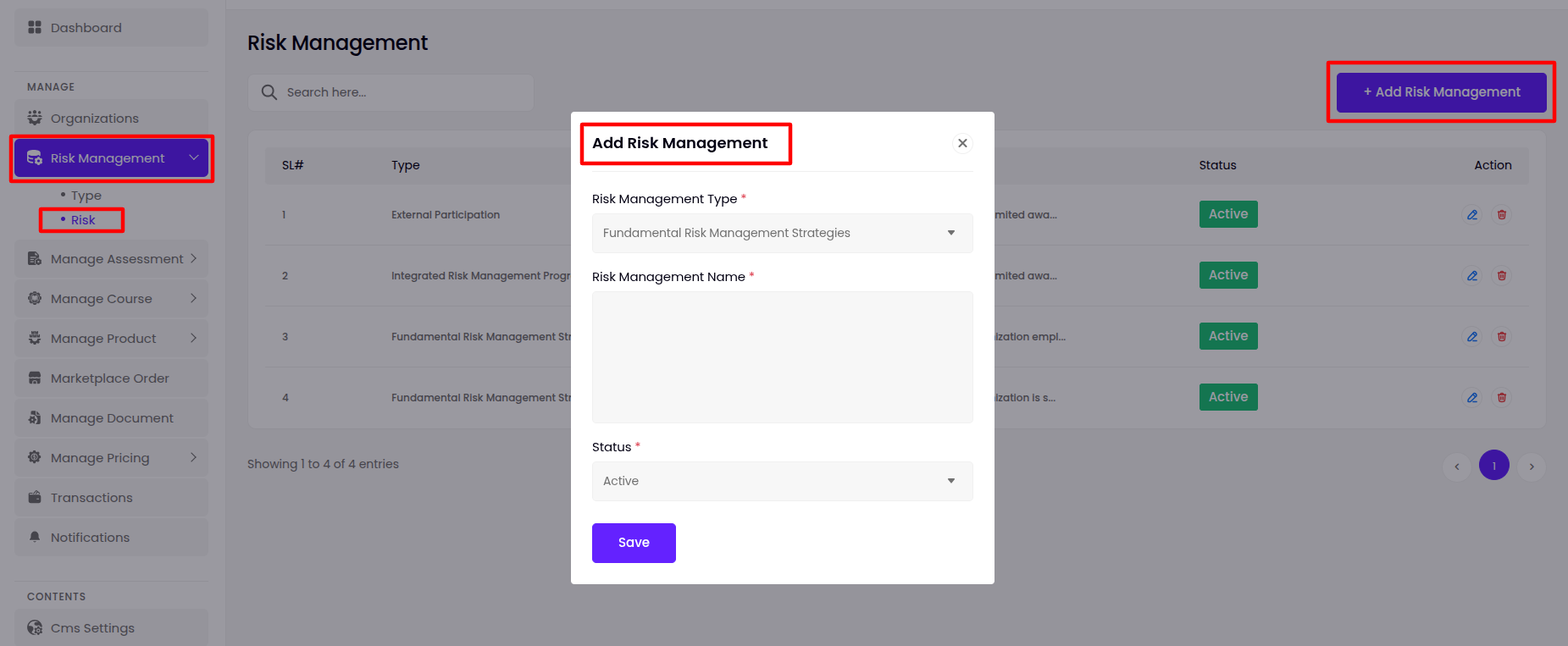
Risk
- The super admin can manage all Risk from this panel, including viewing , editing or deleting existing Risk, and adding new ones with a risk type of choice.
Manage Assessment
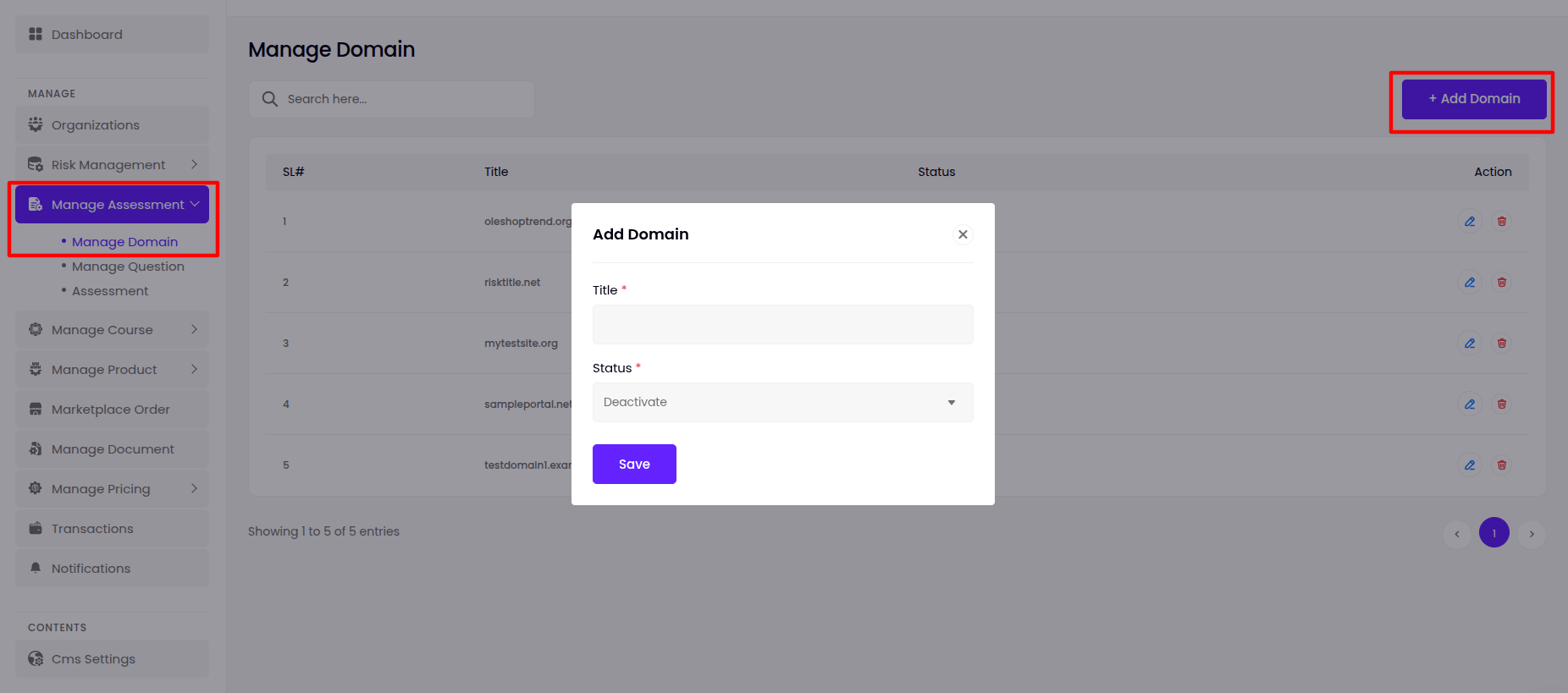
Manage Domain
- The super admin can manage all Domain from this panel, including viewing , editing or deleting existing Domain, and adding new ones.
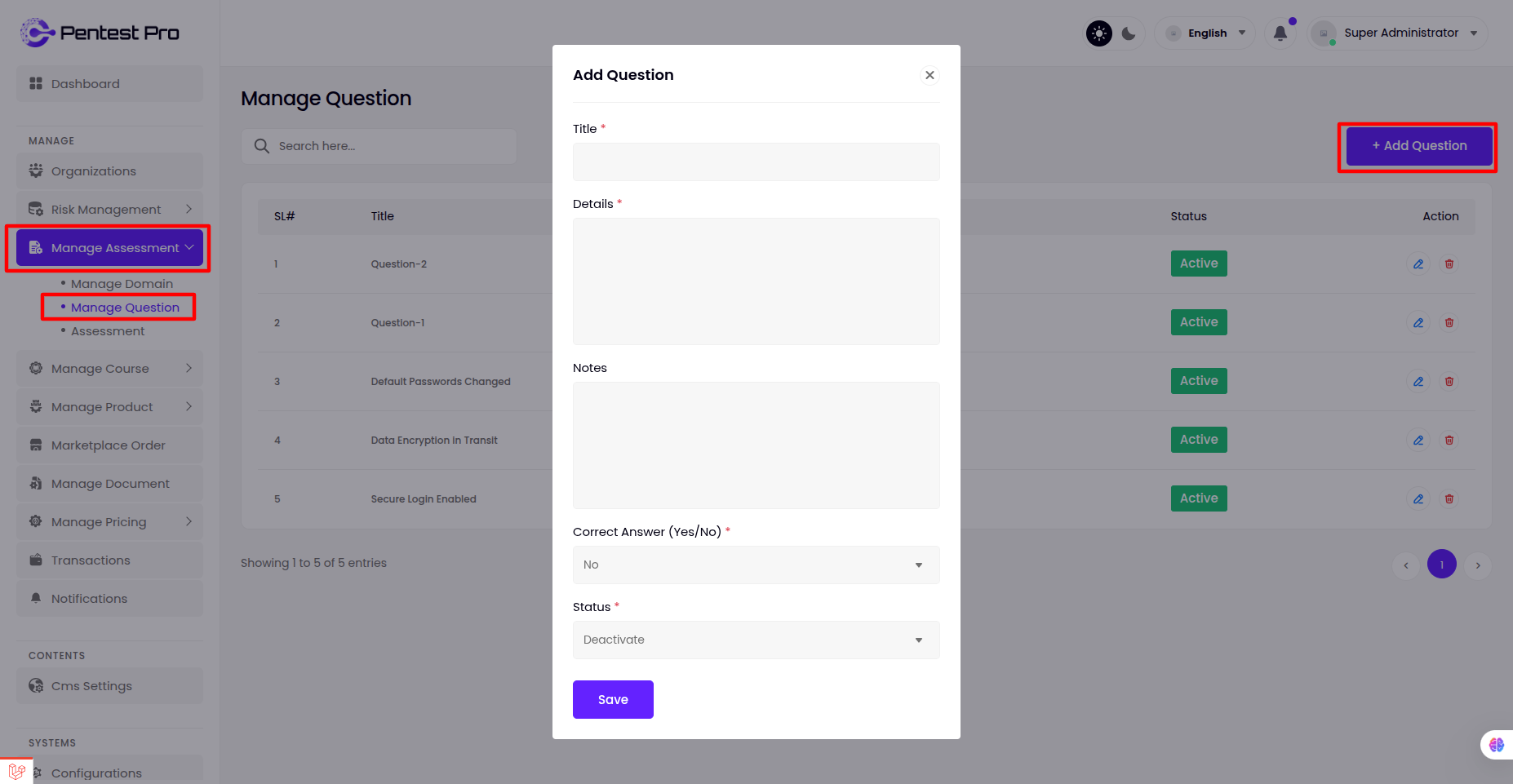
Manage Question
- The super admin can manage all Question from this panel, including viewing , editing or deleting existing Question, and adding new ones.
Assessment
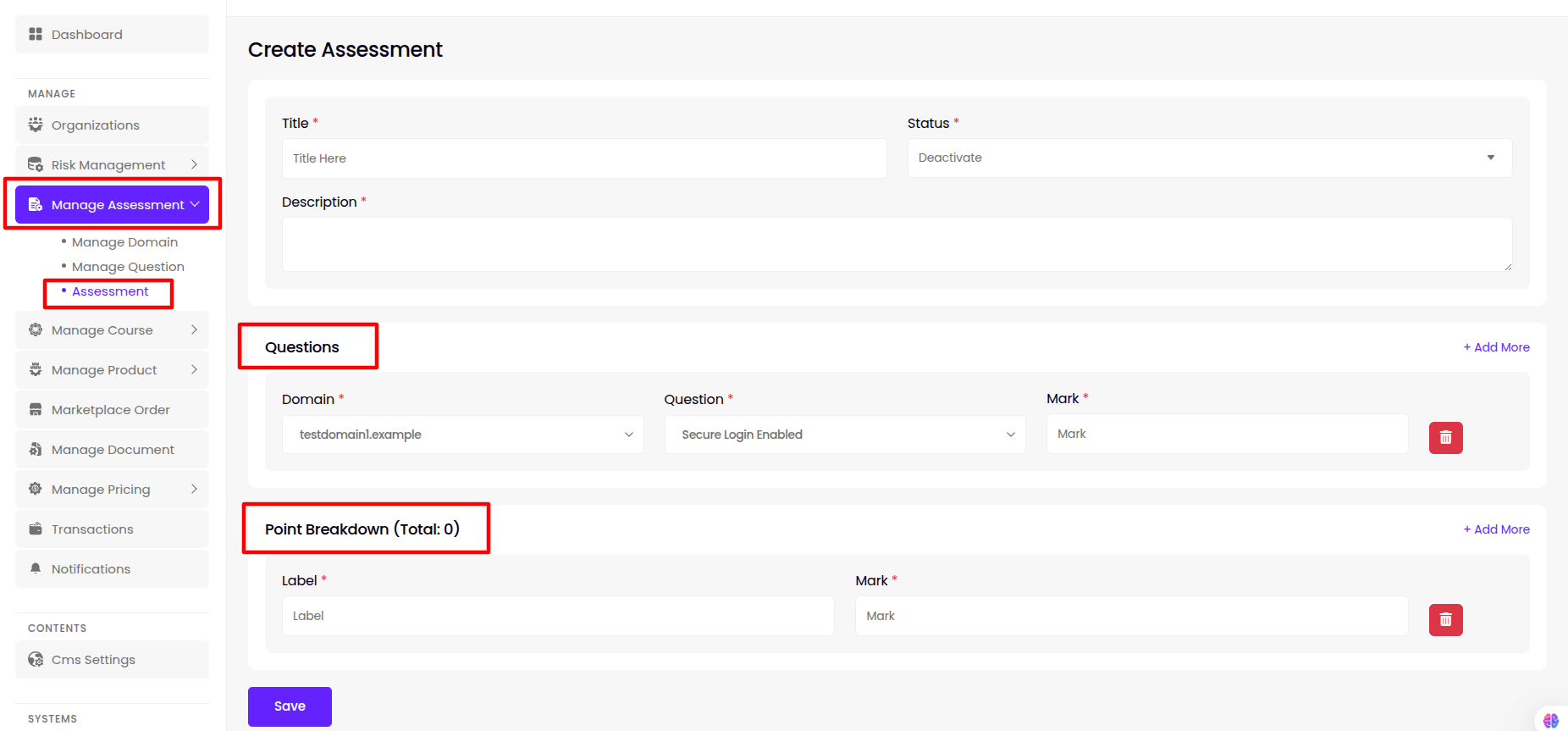
- The super admin can manage all Assessment from this panel, including viewing , editing or deleting existing Assessment, and adding new ones.
-
Create/Update
-
The super admin can create and update information such as Title , Status , Description , Questions(multiple), Point Breakdown(multiple) to ensure comprehensive Assessment management.
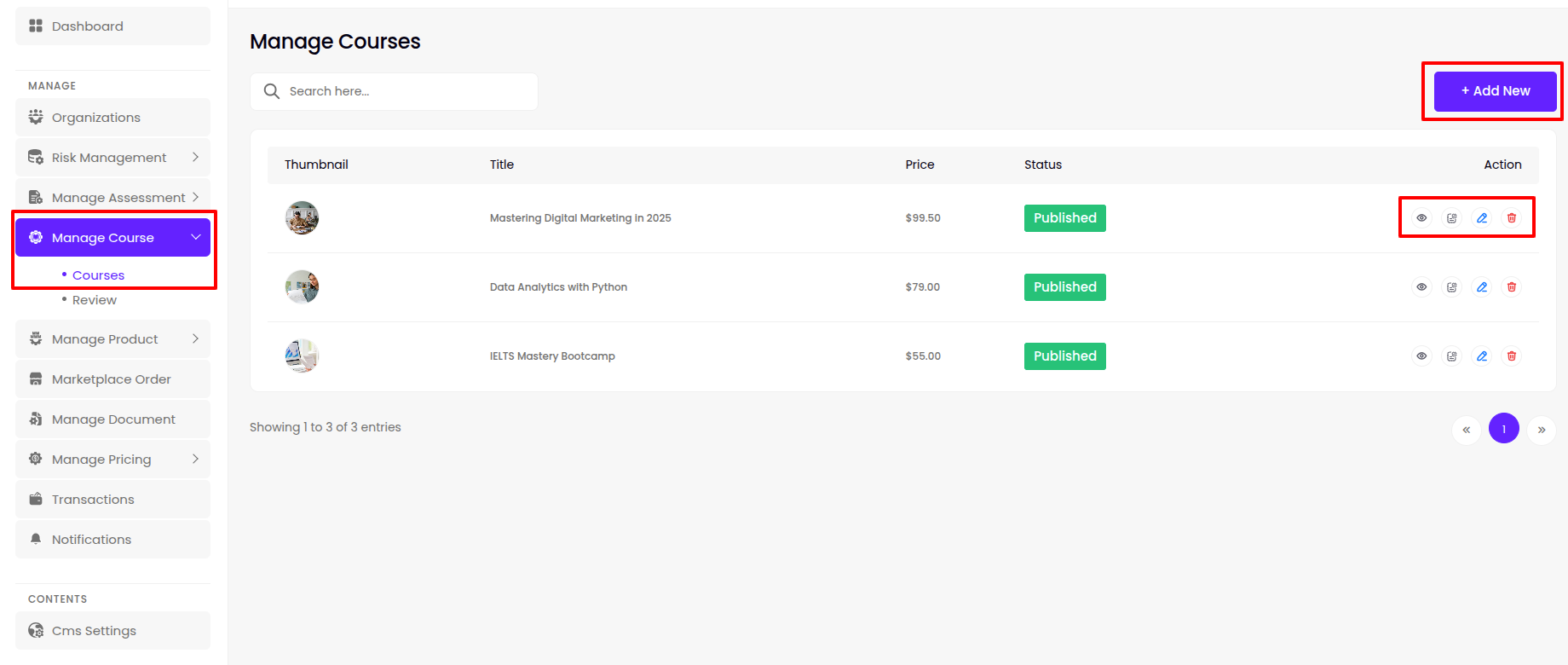
Manage Document
- The super admin can manage all Document from this panel, including viewing , editing or deleting existing Document, and adding new ones.
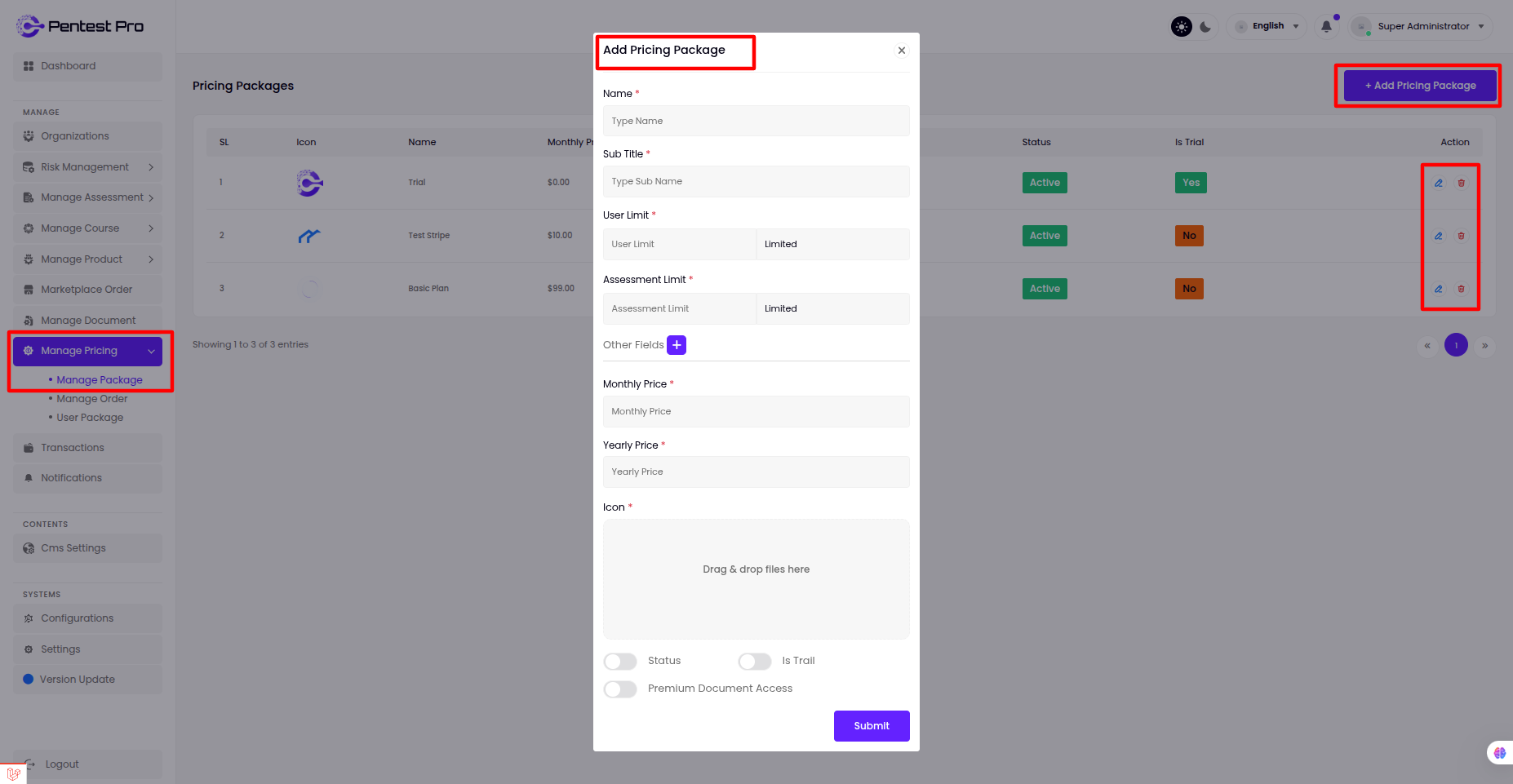
Manage Pricing
Manage Package
- The super admin can manage all Package from this panel, including viewing , editing or deleting existing Package, and adding new ones.
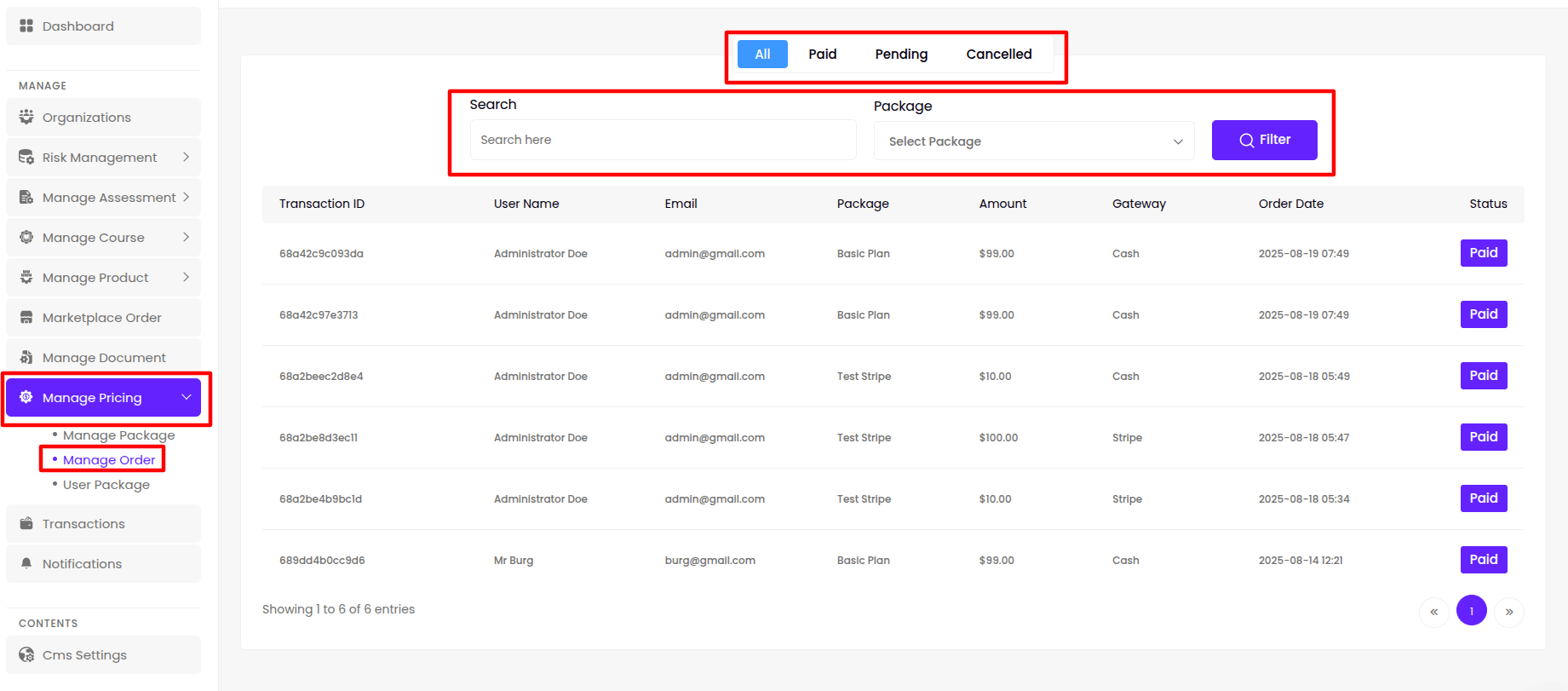
Manage Order
- The super admin can manage all Pricing from this panel, including viewing , editing or deleting existing Pricing, and adding new ones.
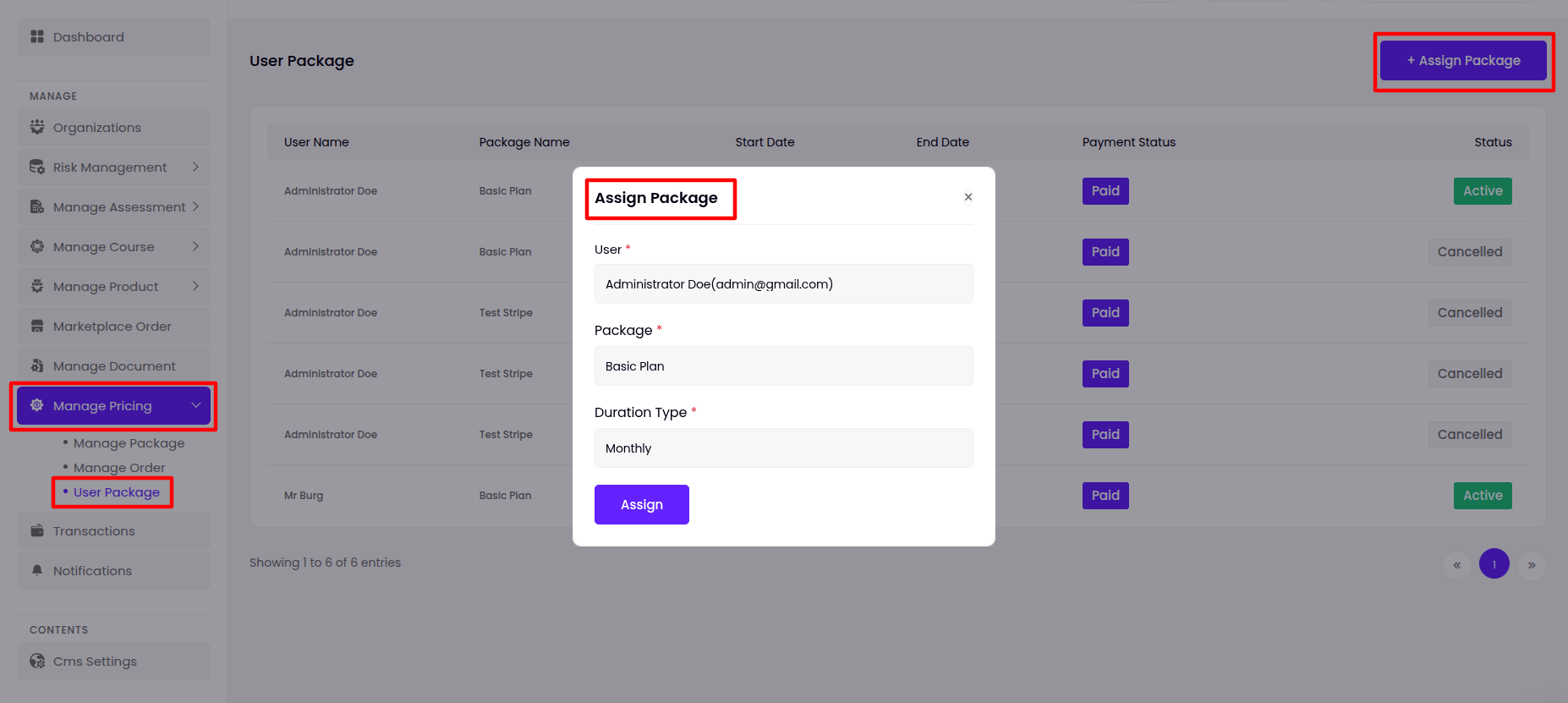
User Package
- Super Admin can assign user to different packages as per his wish from this panel
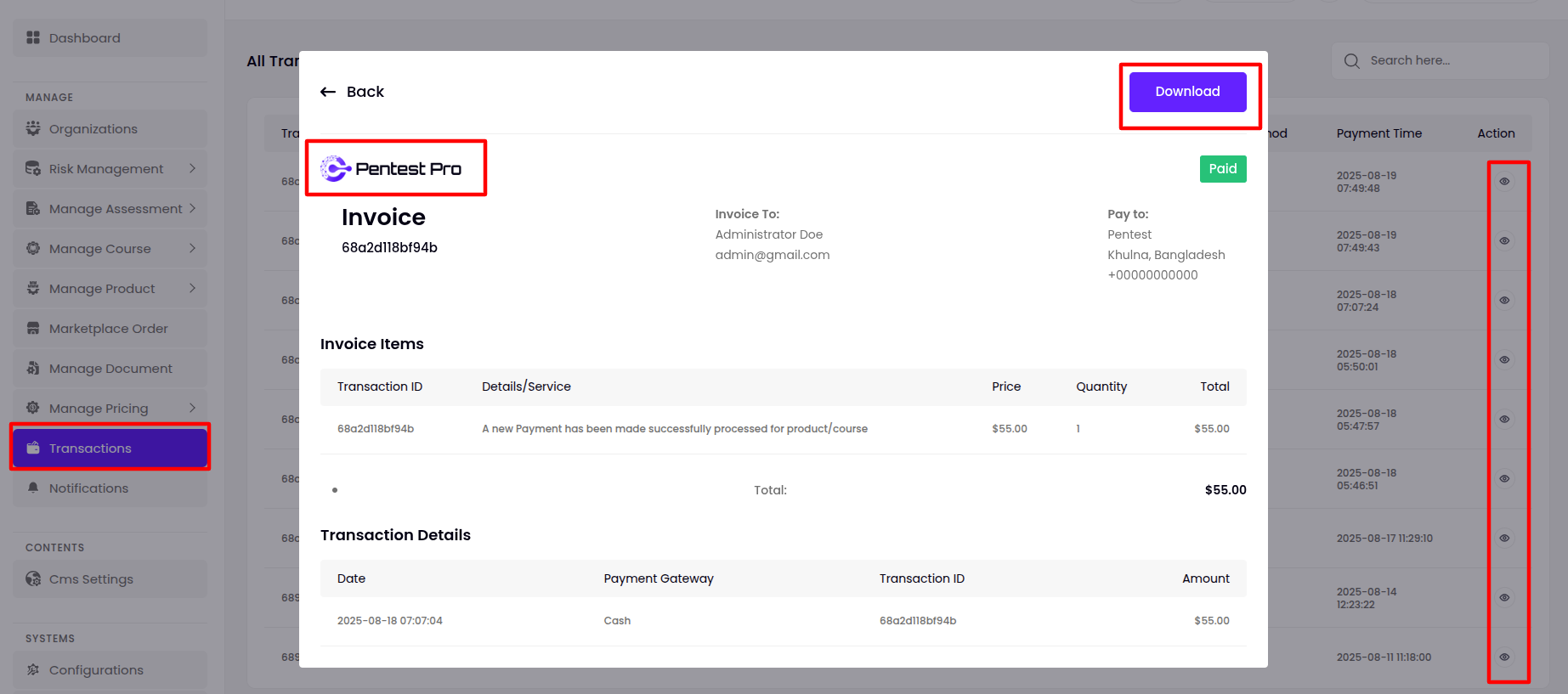
Transactions
- Super admin can view all payment transaction history here.
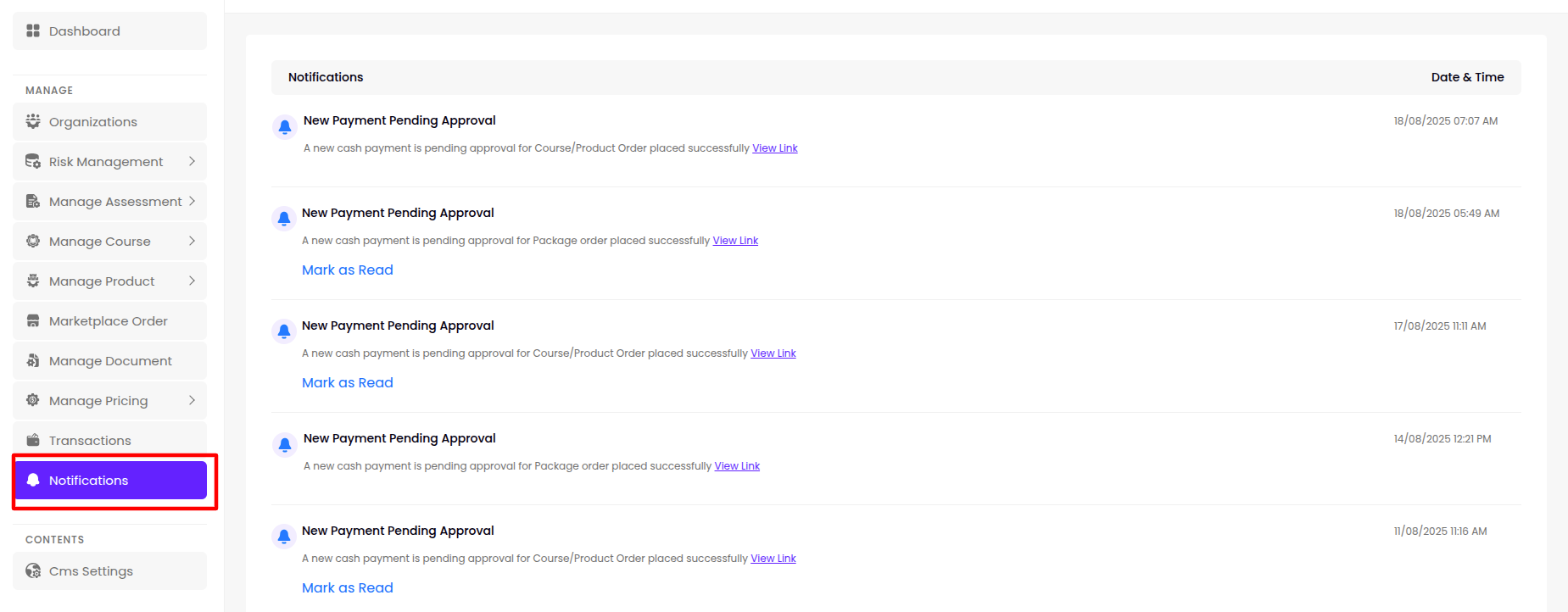
Notifications
- Super admin can view all payment transaction history here.
Cms Settings
Landing Page
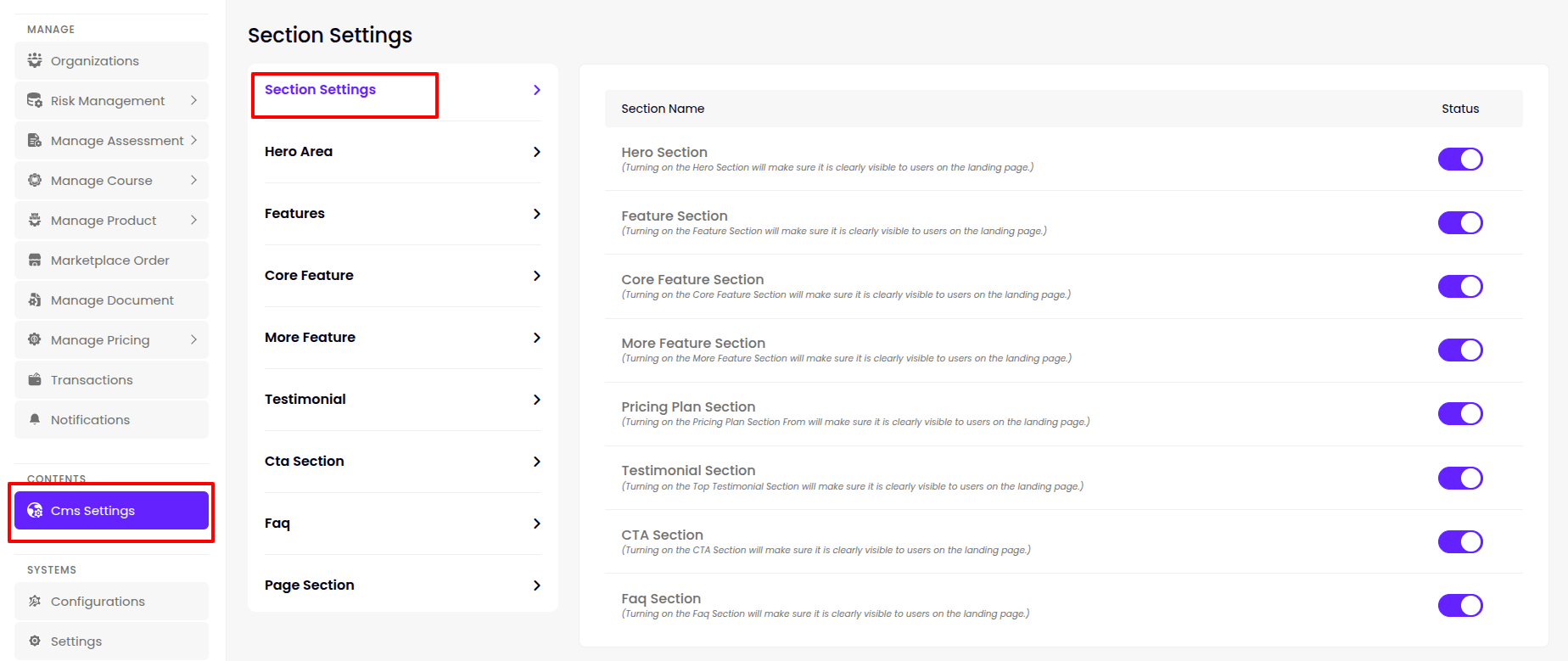
Section Settings
The super admin can manage the dynamic theme's visibility (show or hide) from this section.
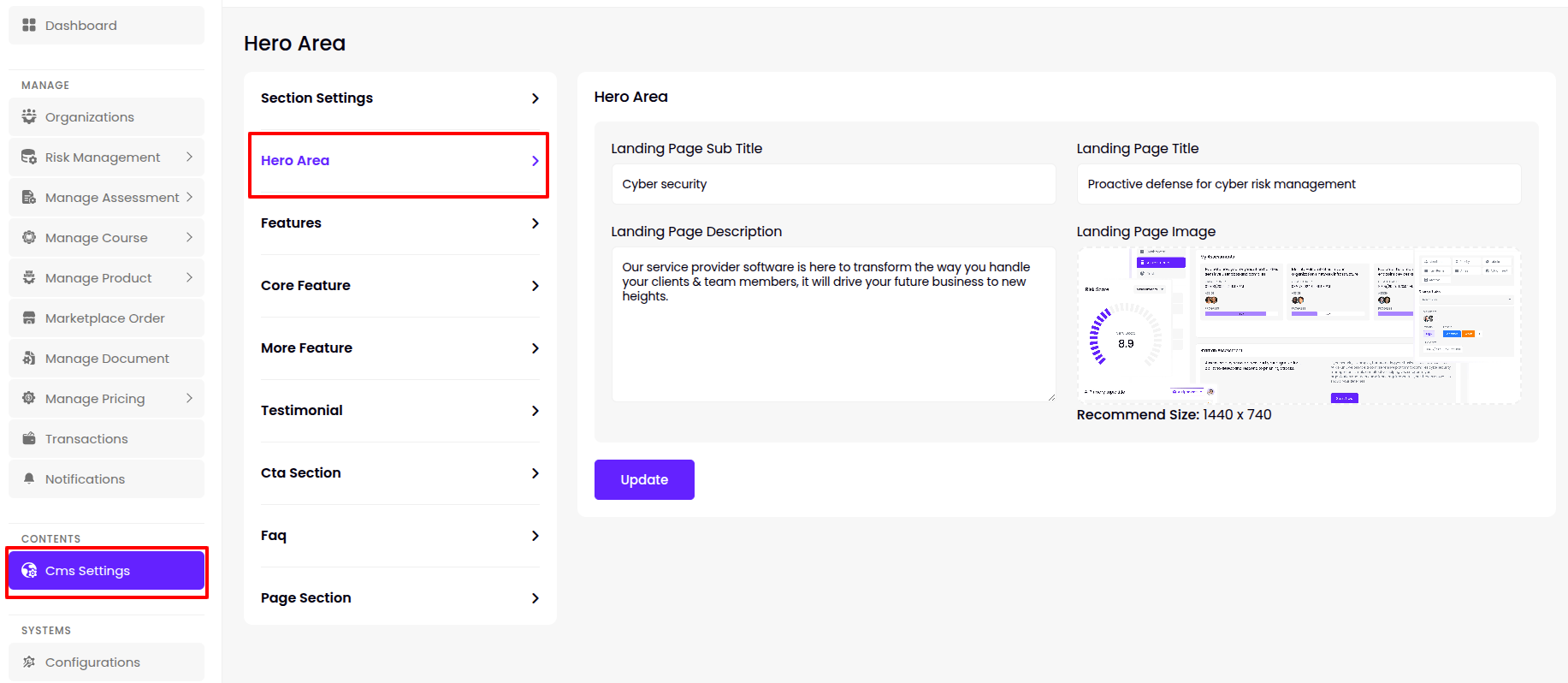
Hero Area
The super admin can add/update the Landing Page Title,Sub Title, Description & Video this section.
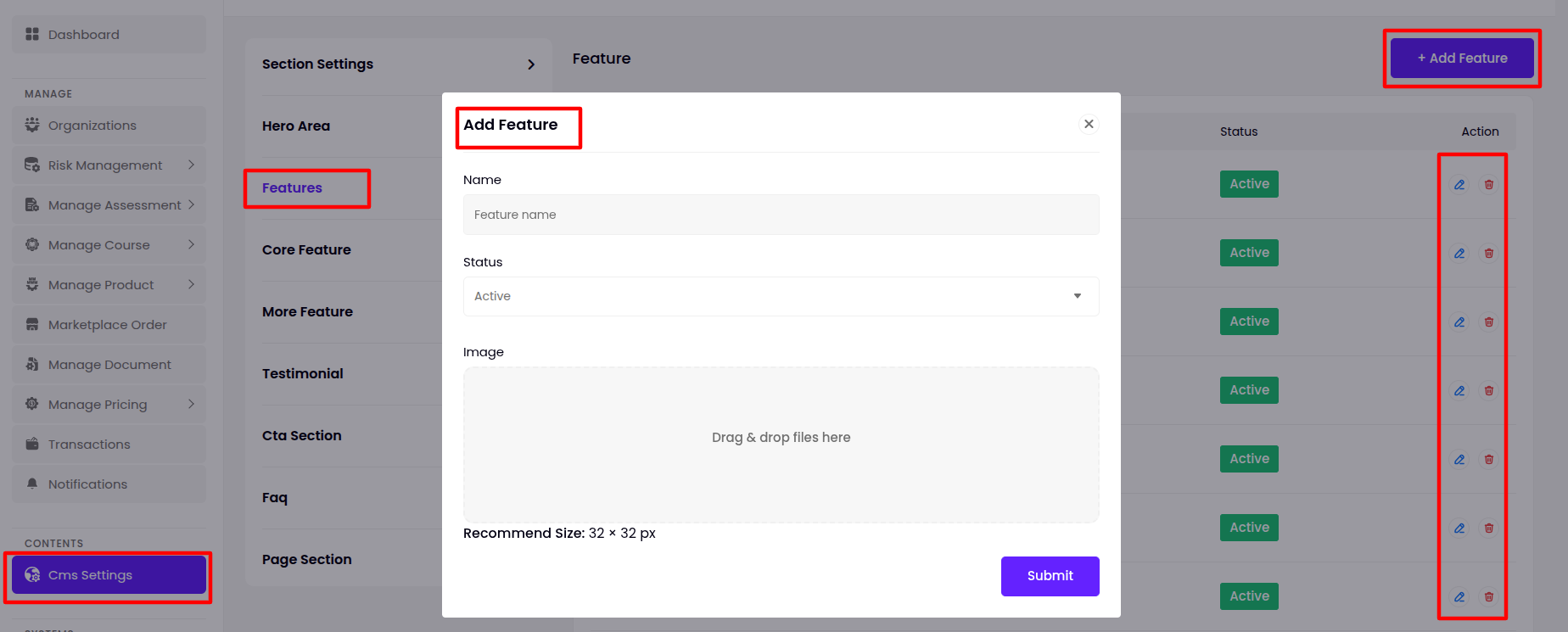
Features
- The super admin can manage all Features from this panel, including viewing , editing or deleting existing Features, and adding new ones.
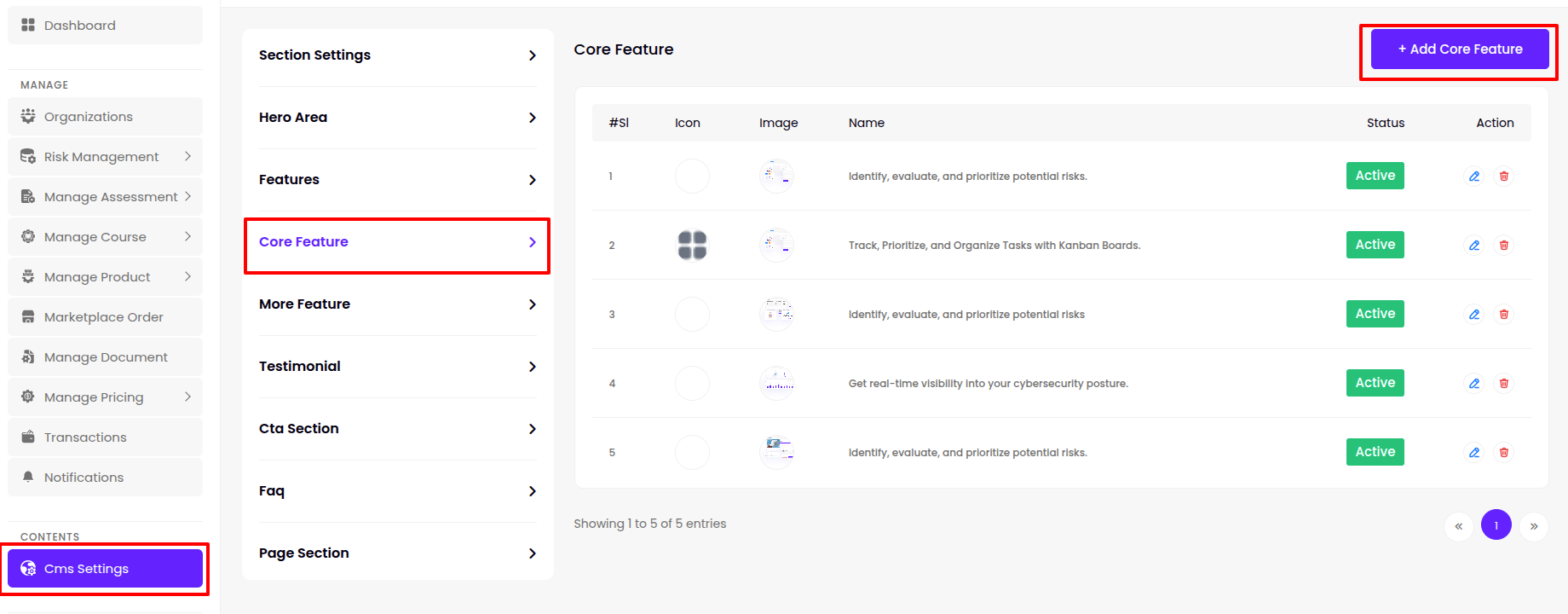
Core Features
- The super admin can manage all Core Features from this panel, including viewing , editing or deleting existing Core Features, and adding new ones.
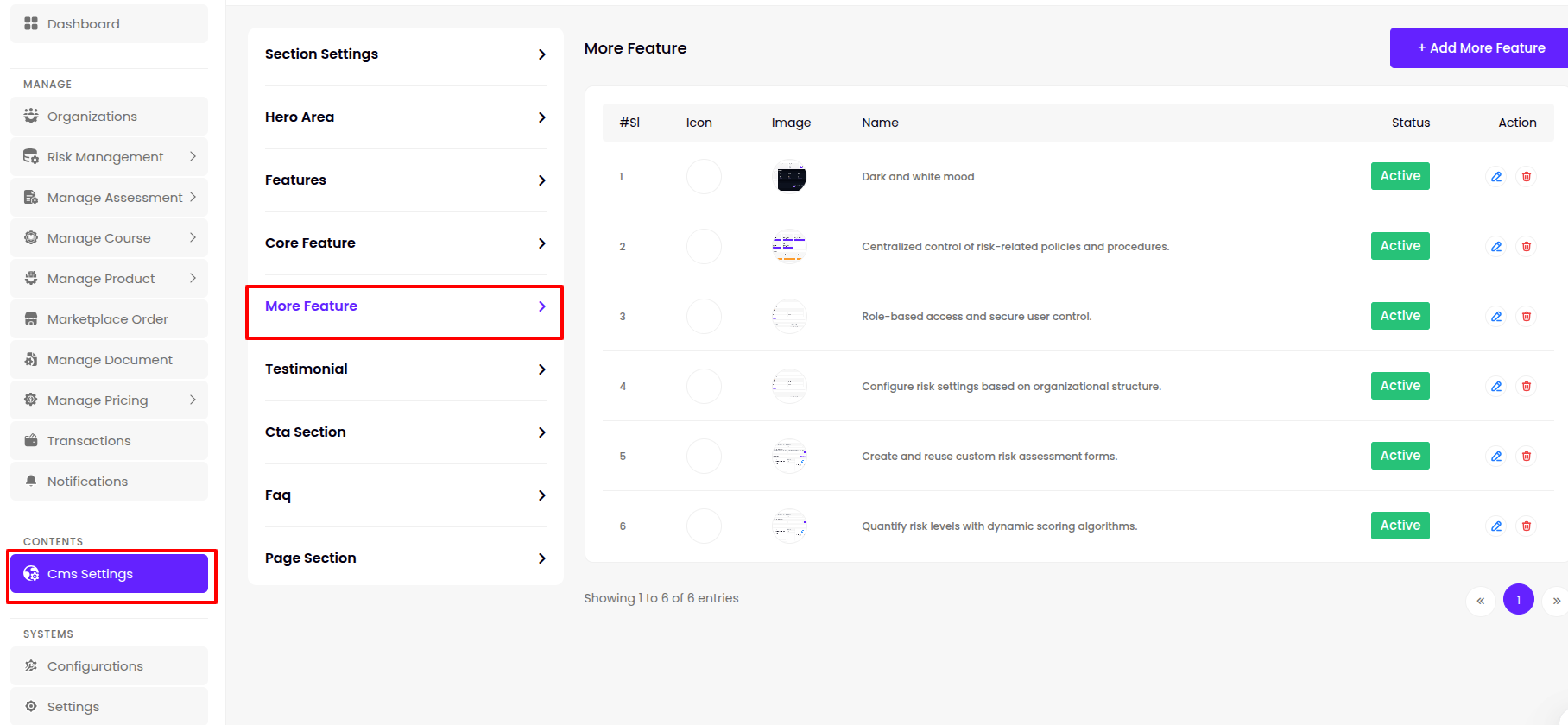
More Features
- The super admin can manage all More Features from this panel, including viewing , editing or deleting existing More Features, and adding new ones.
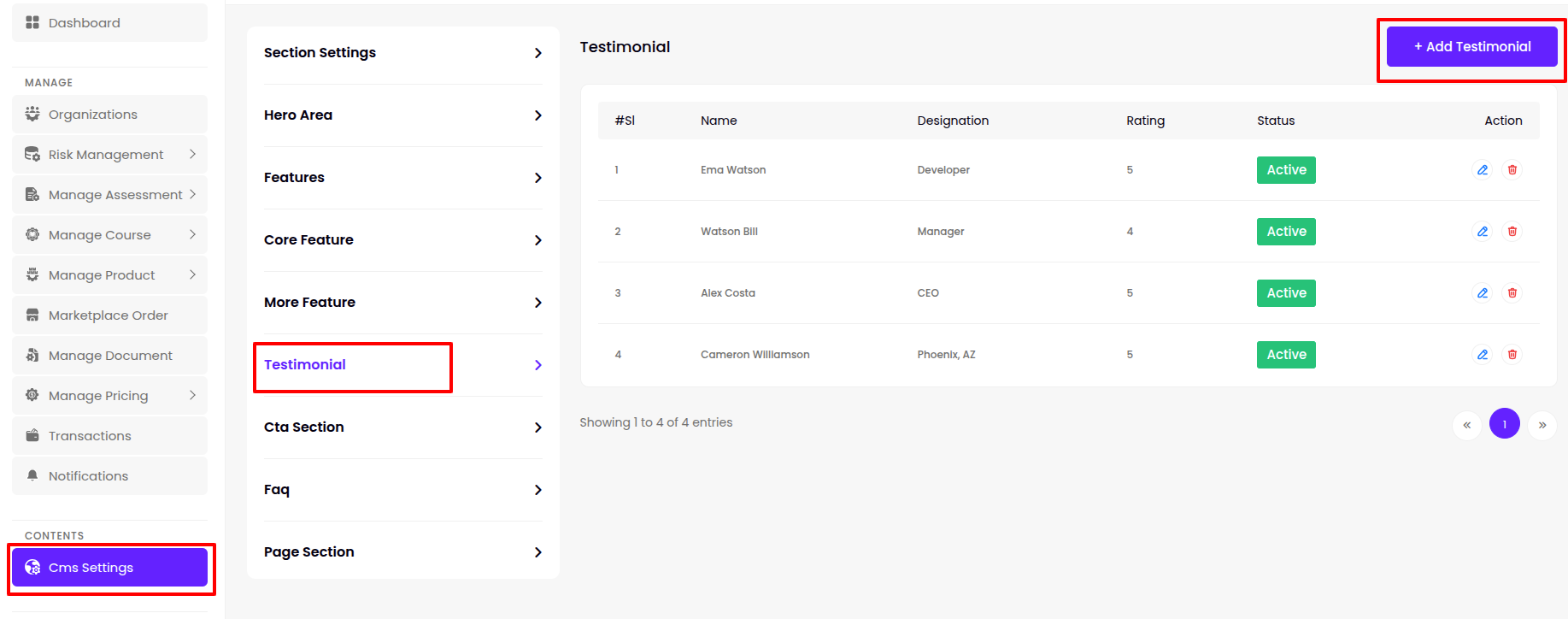
Testimonial
- The super admin can manage all Testimonial from this panel, including viewing , editing or deleting existing Testimonial, and adding new ones.
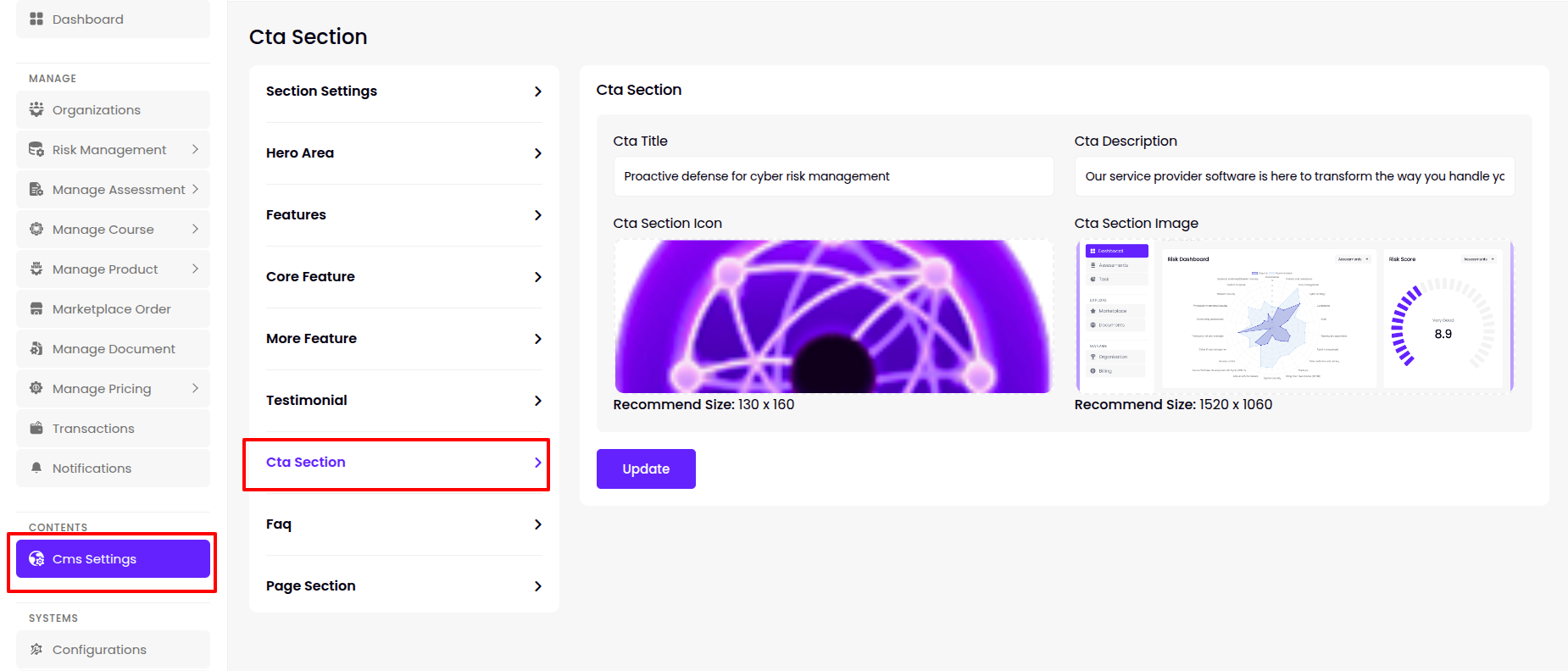
Cta Section
- The super admin can add/update the Cta Title, Description, Section Icon & Section Image this section.
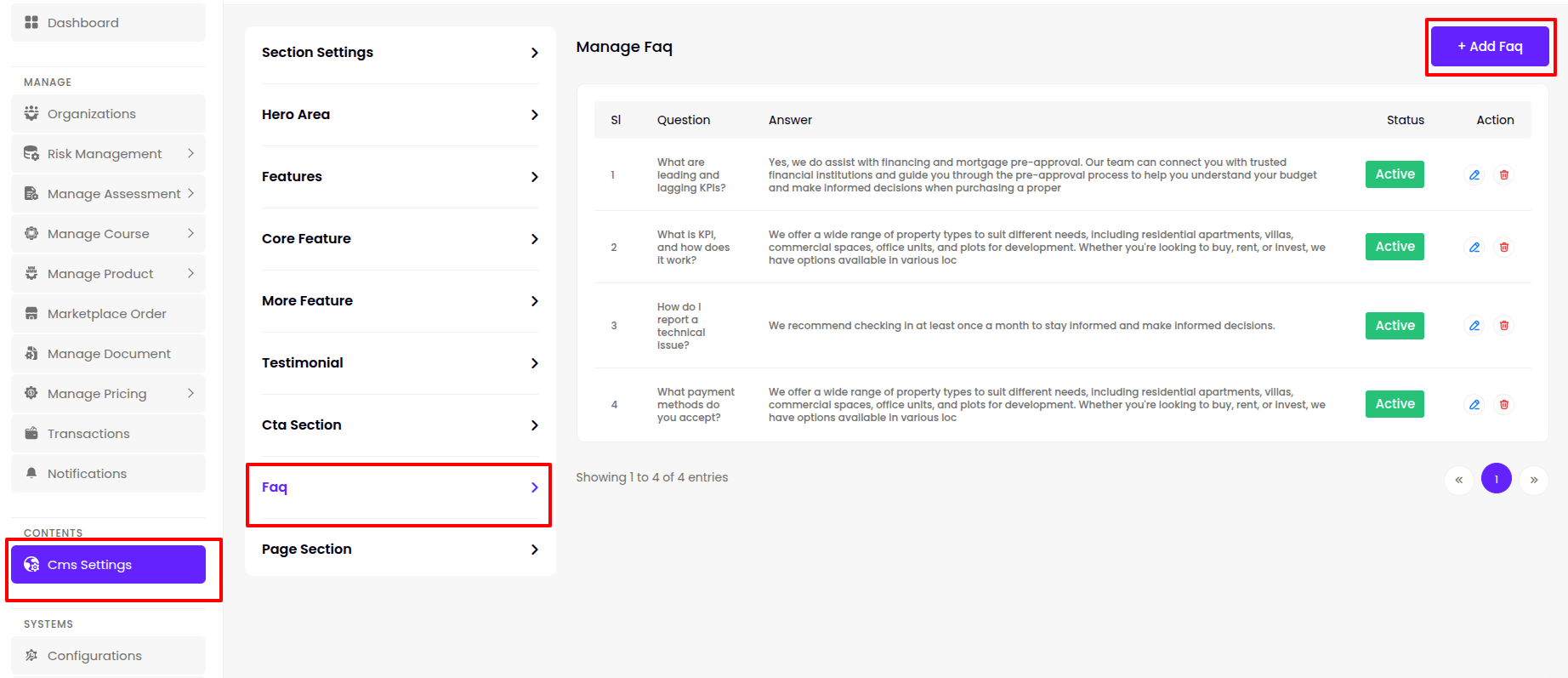
Faqs
- The super admin can manage all Faq from this panel, including viewing , editing or deleting existing Faq, and adding new ones.
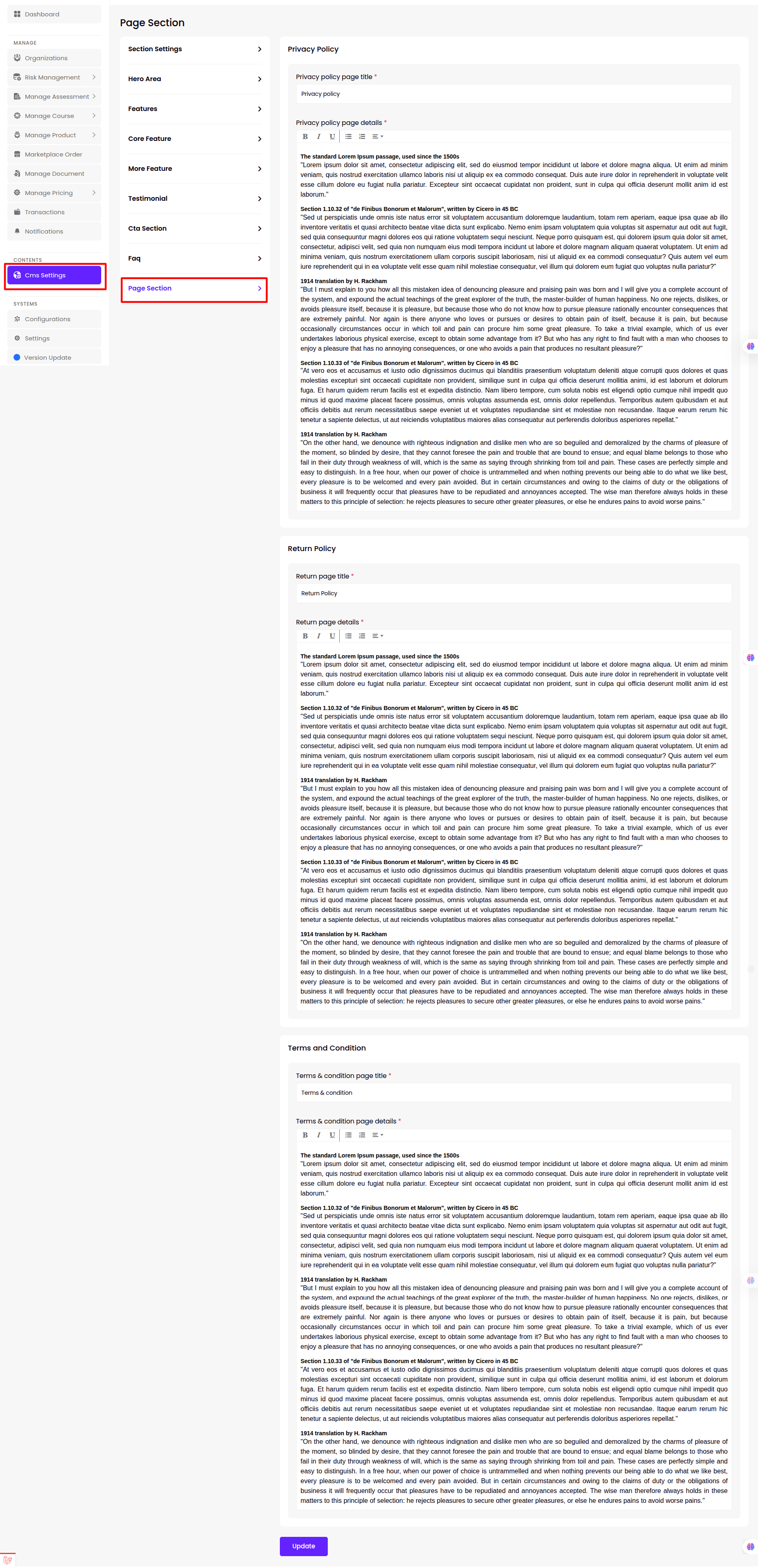
Page Section
- The super admin can add/update the Cta Title, Description, Section Icon & Section Image this section.
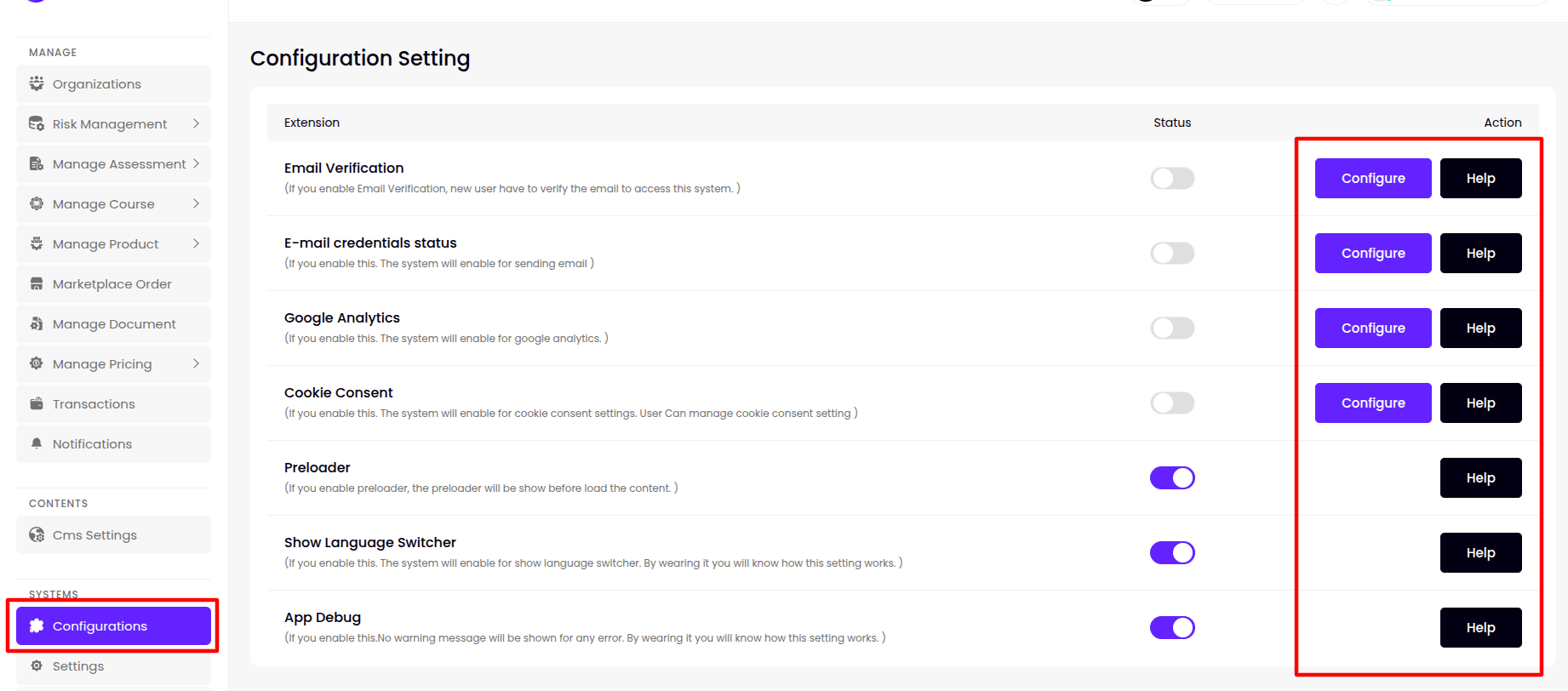
Configuration
Super admin can manage Configuration Setting this menu bar and update and configure for
- Email Verification,
- E-mail credentials status,
- Google Analytics
- Cookie Consent
- Preloader
- Show Language Switcher
- App Debug
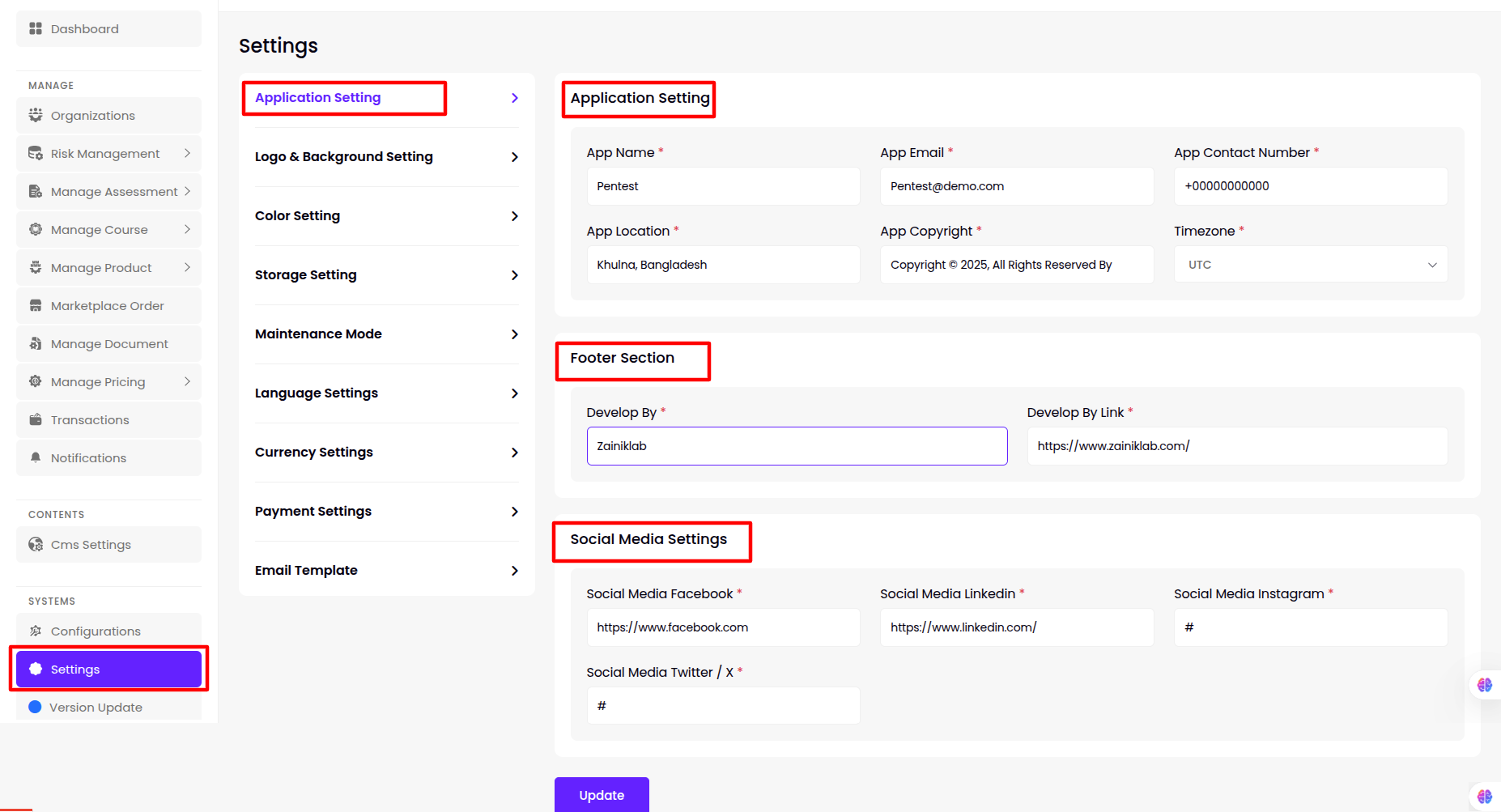
Settings
Application Setting
Super admin can manage Application Setting from this menu bar and update for
- App Name,
- App Email,
- App Contact Number,
- App Location,
- App Copyright,
- Timezone ,
- Develop By,
- Develop By Link,
- TimeZone,
- Social Media Facebook,
- Social Media Linkedin ,
- Social Media Instagram,
- Social Media Twitter / X
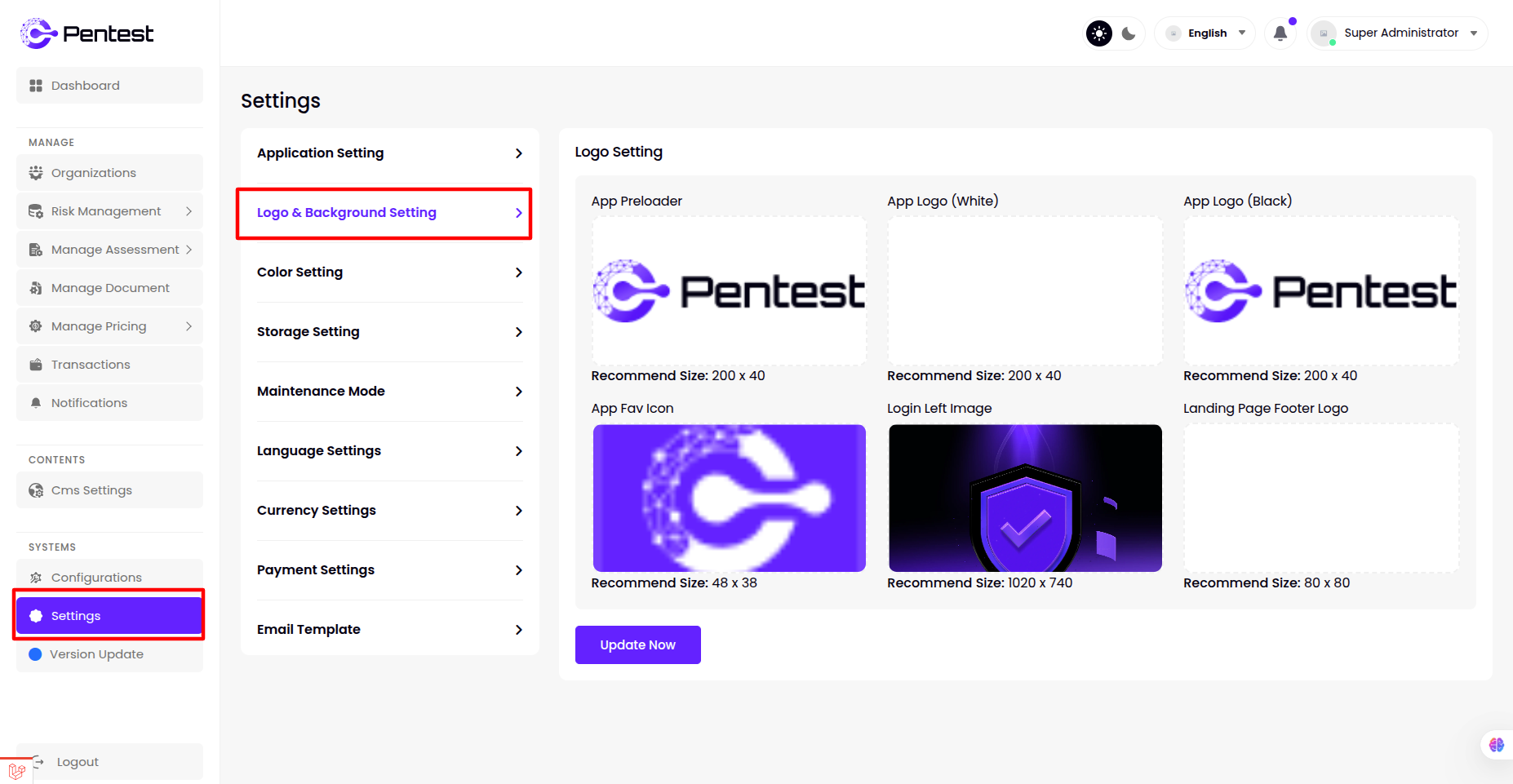
Logo & Background Settings
Super admin can change basic colors of the admin panel from the Color Setting option
- App Preloader,
- App Logo (White),
- App Logo (Black),
- App Fav Icon,
- Login Left Image
- Landing Page Footer Logo
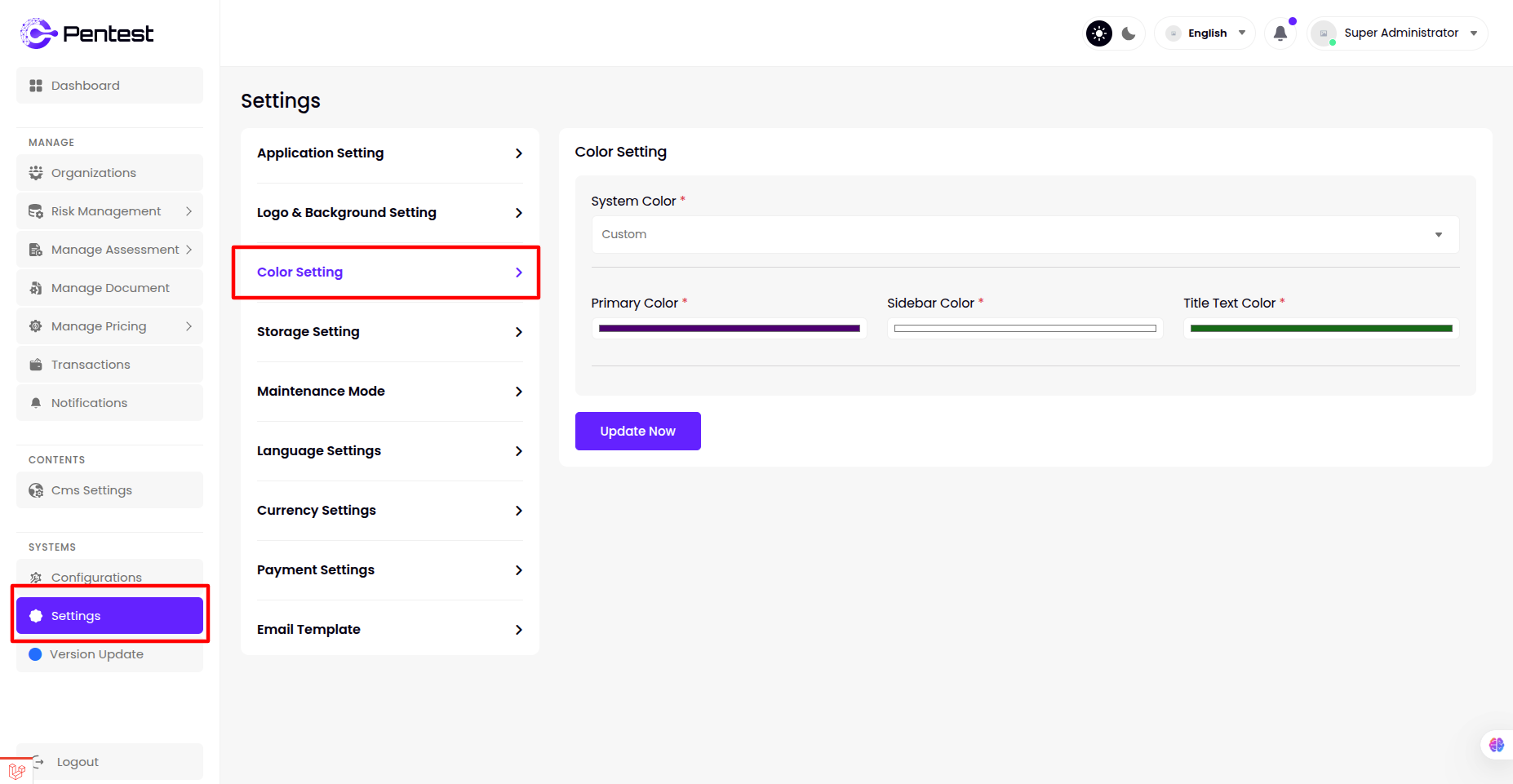
Color Setting
Super admin can change basic colors of the admin panel from the Color Setting option
- Primary Color ,
- Sidebar Color,
- Title Text Color
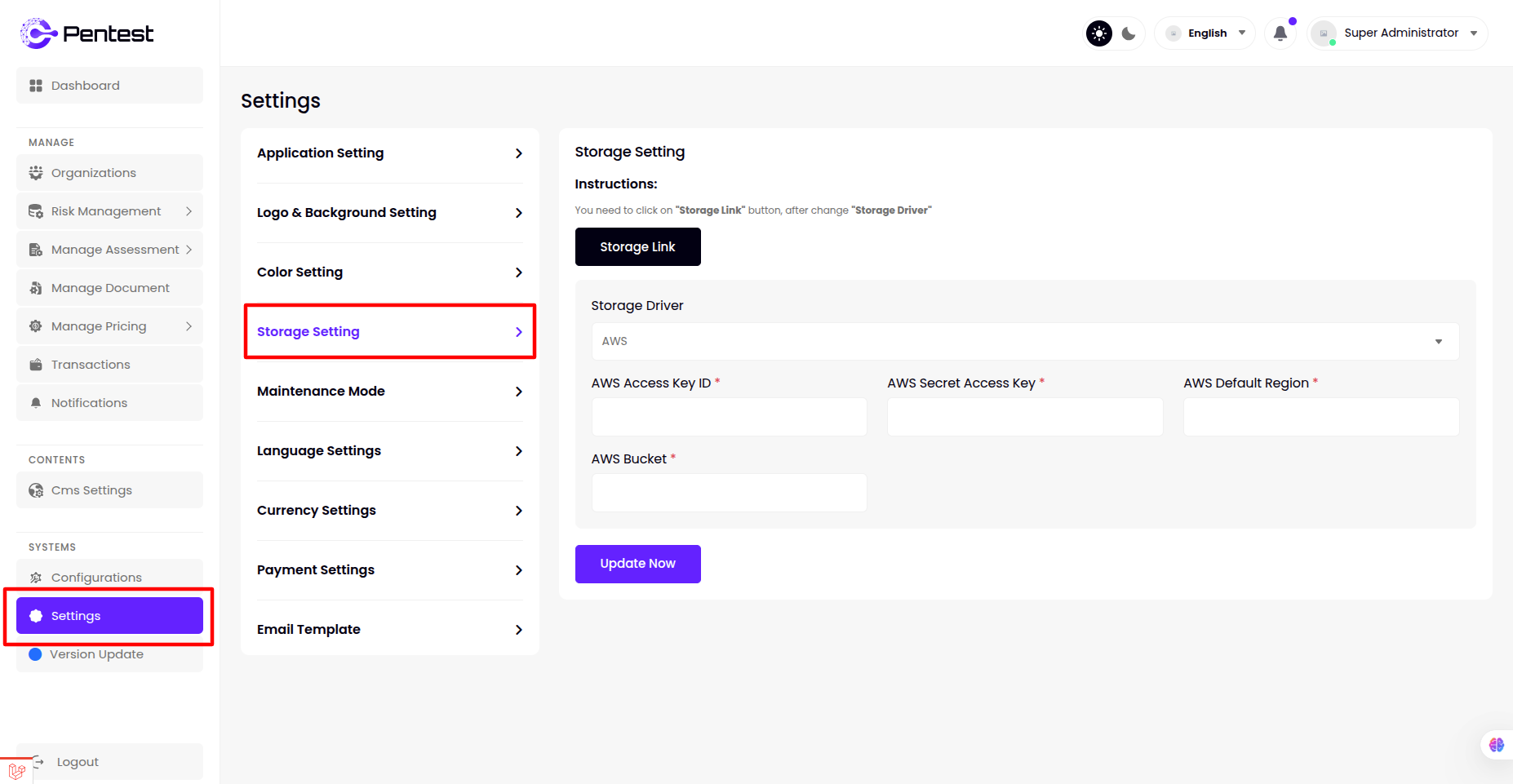
Storage Setting
Super admin can manage Storage Setting from this menu bar and update for
- Public,
- Aws ,
- Wasabi,
- Vultr,
- Digital Ocean(DO)
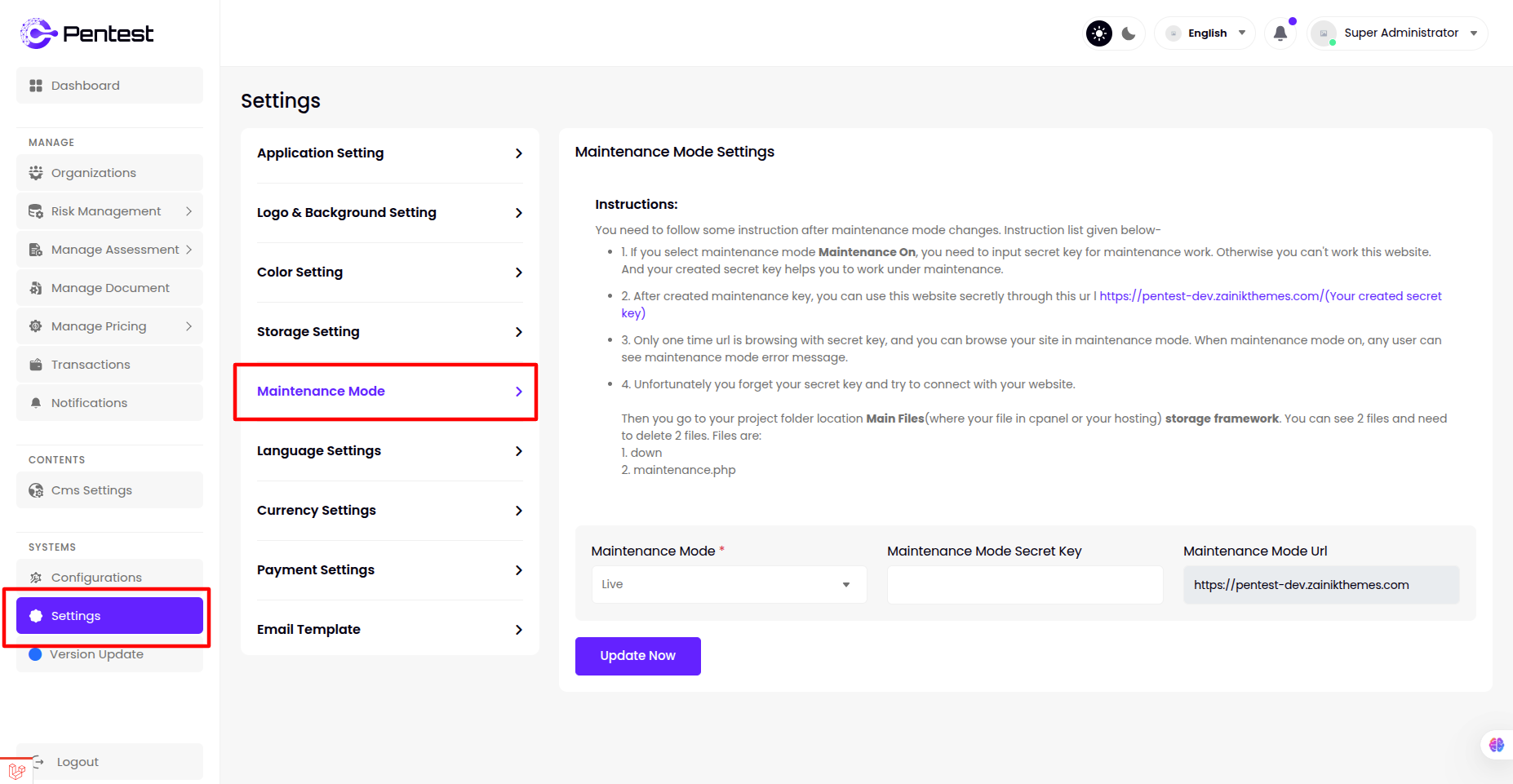
Maintenance Mode
Super admin can manage Storage Setting from this menu bar and update for
- Maintenance Mode ,
- Maintenance Mode Secret Key ,
- Maintenance Mode Url
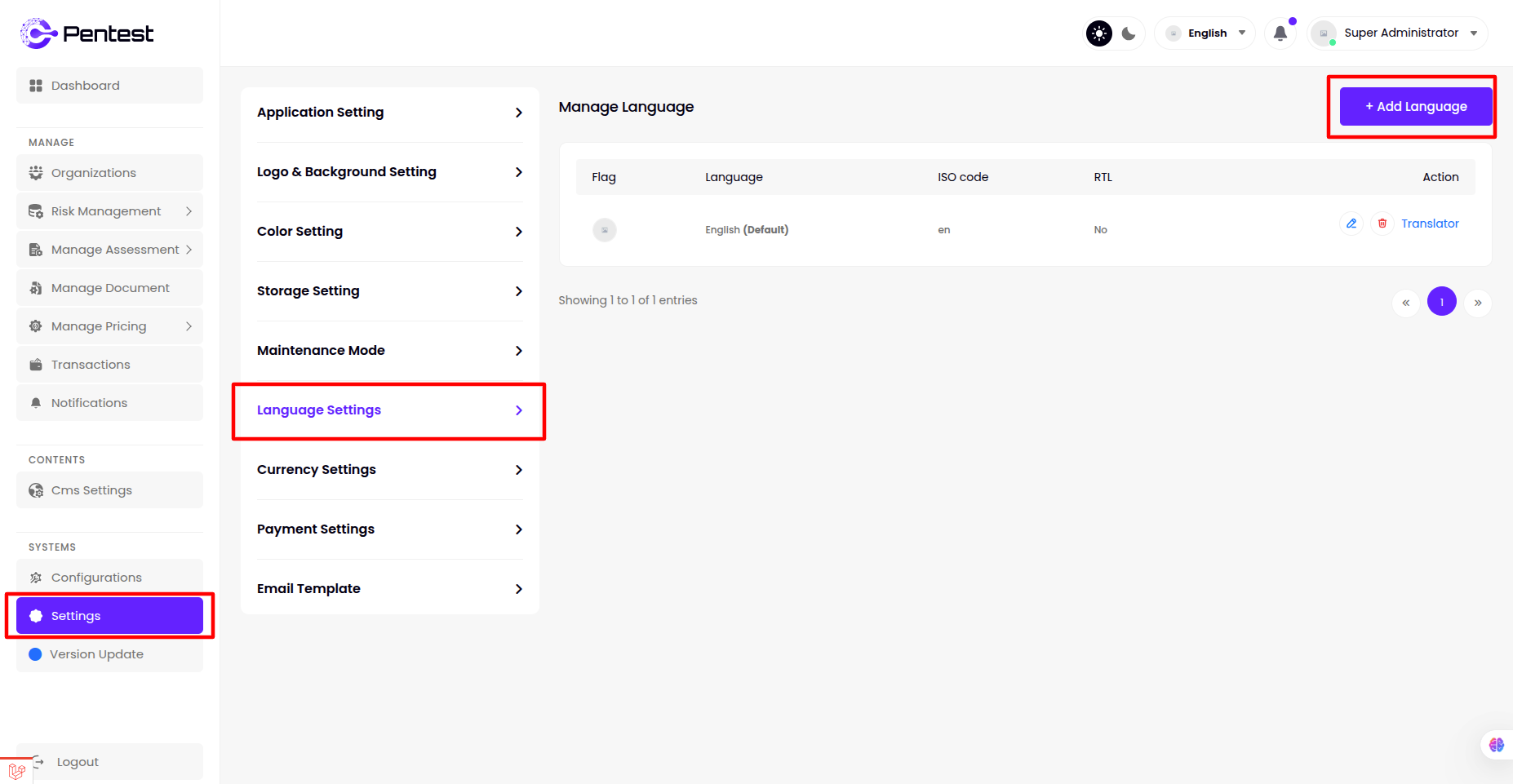
Manage Language
- The admin can manage all Language from this panel, including viewing , editing or deleting existing Language, and adding new ones.
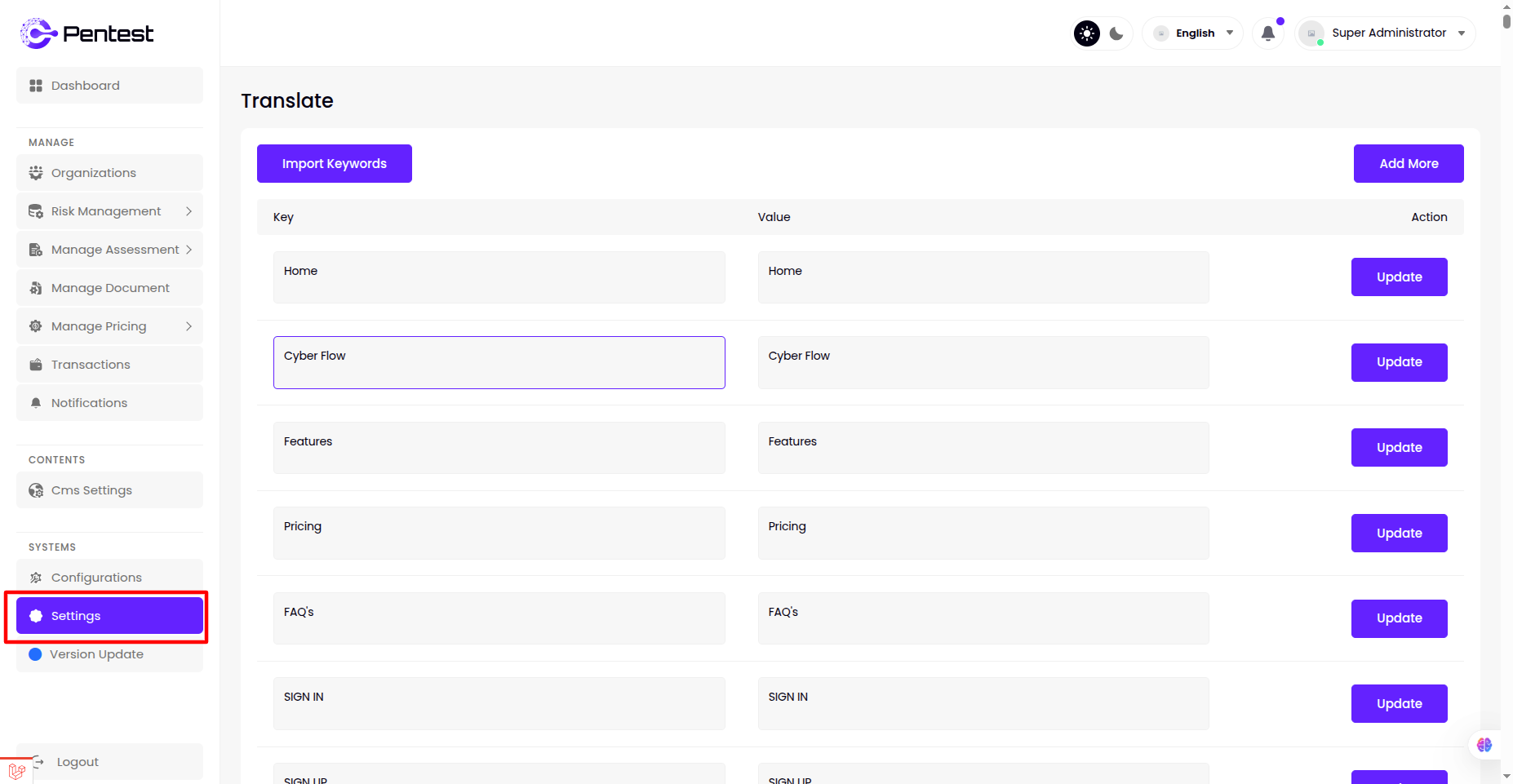
- View the translation language
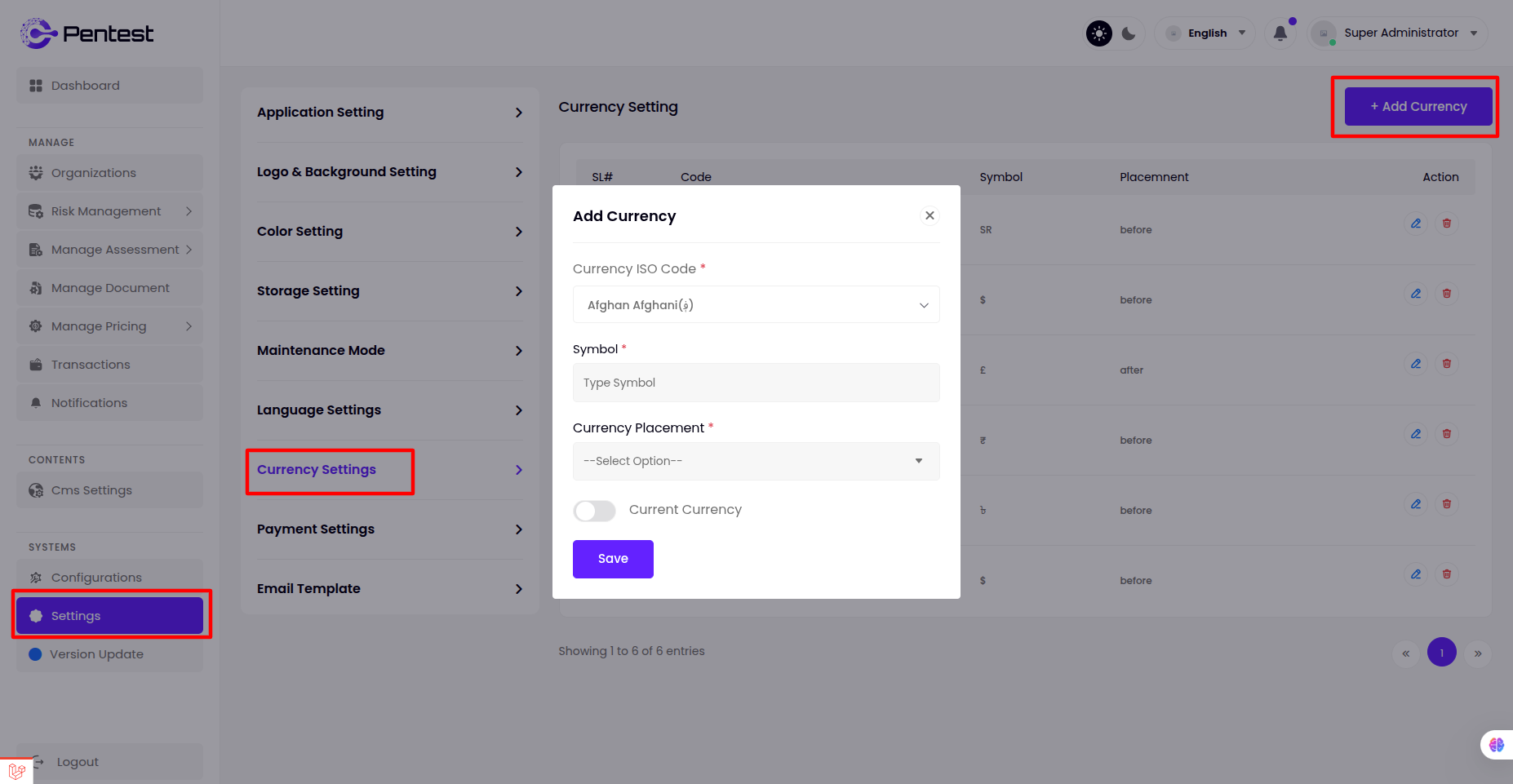
Currency Setting
- The admin can manage all Currency from this panel, including viewing , editing or deleting existing Currency, and adding new ones.
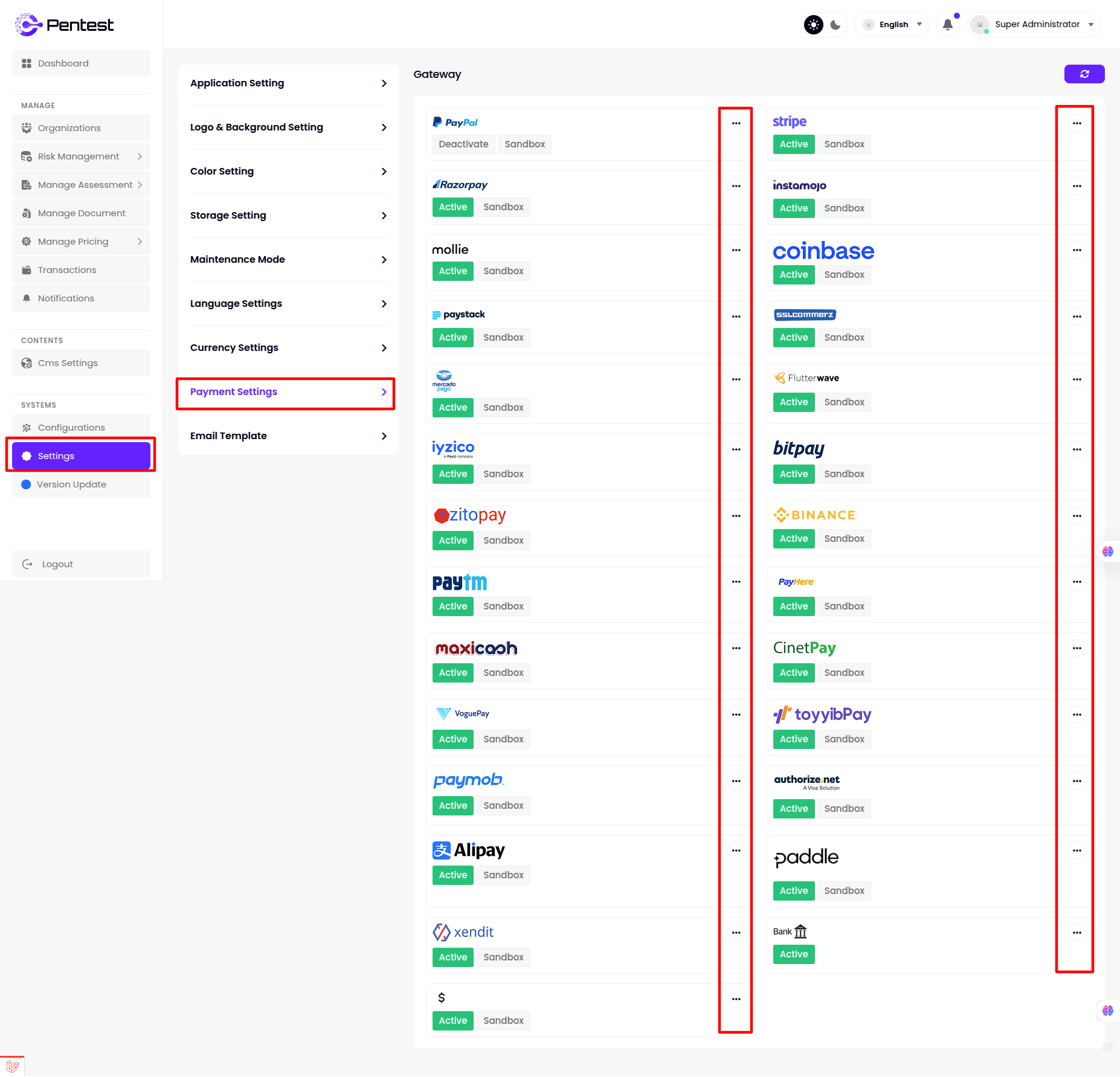
Payment Settings
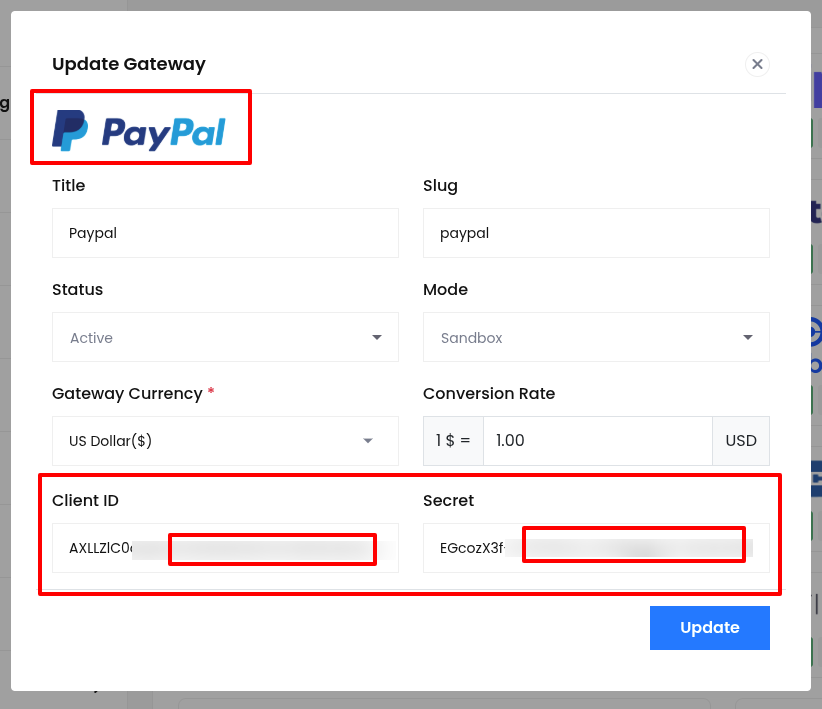
Super admin can view and manage Payment Gateway from this menu bar and edit for all Payment gateway by clicking Action.
Paypal Gateway
- step:1
You have to log in to paypal and set up get "client ID and client secret key" from here link
https://developer.paypal.com/api/rest/
- step:2
Client ID with its Secret key from the above link should also be given here or you can set the Conversion Rate as per your wish here.
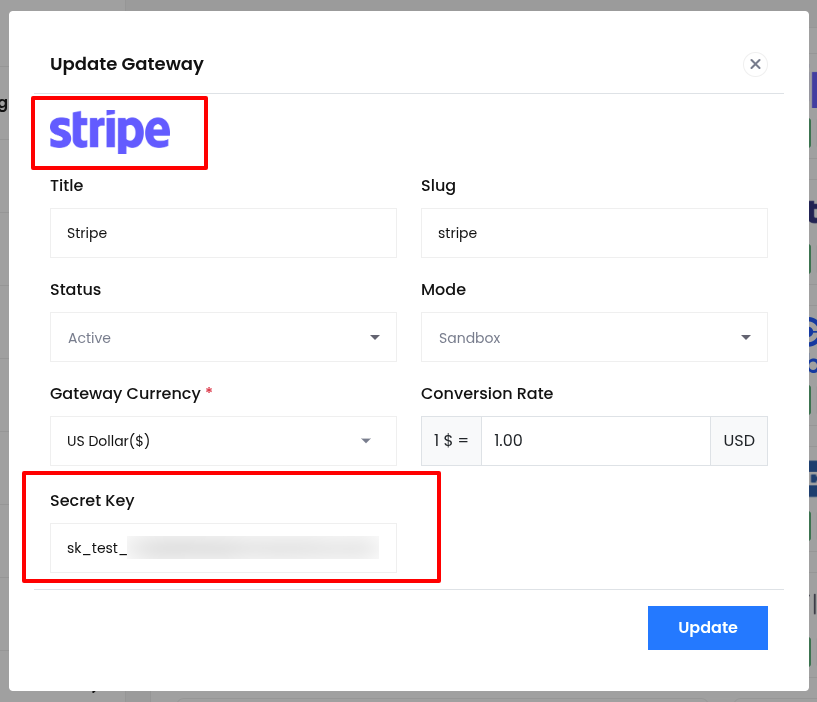
Stripe Gateway
- step:1
You have to log in to stripe and set up get "secret key" from here link
https://stripe.com/docs/keys
- step:2
Secret key from the above link should also be given here or you can set the Conversion Rate as per your wish here.
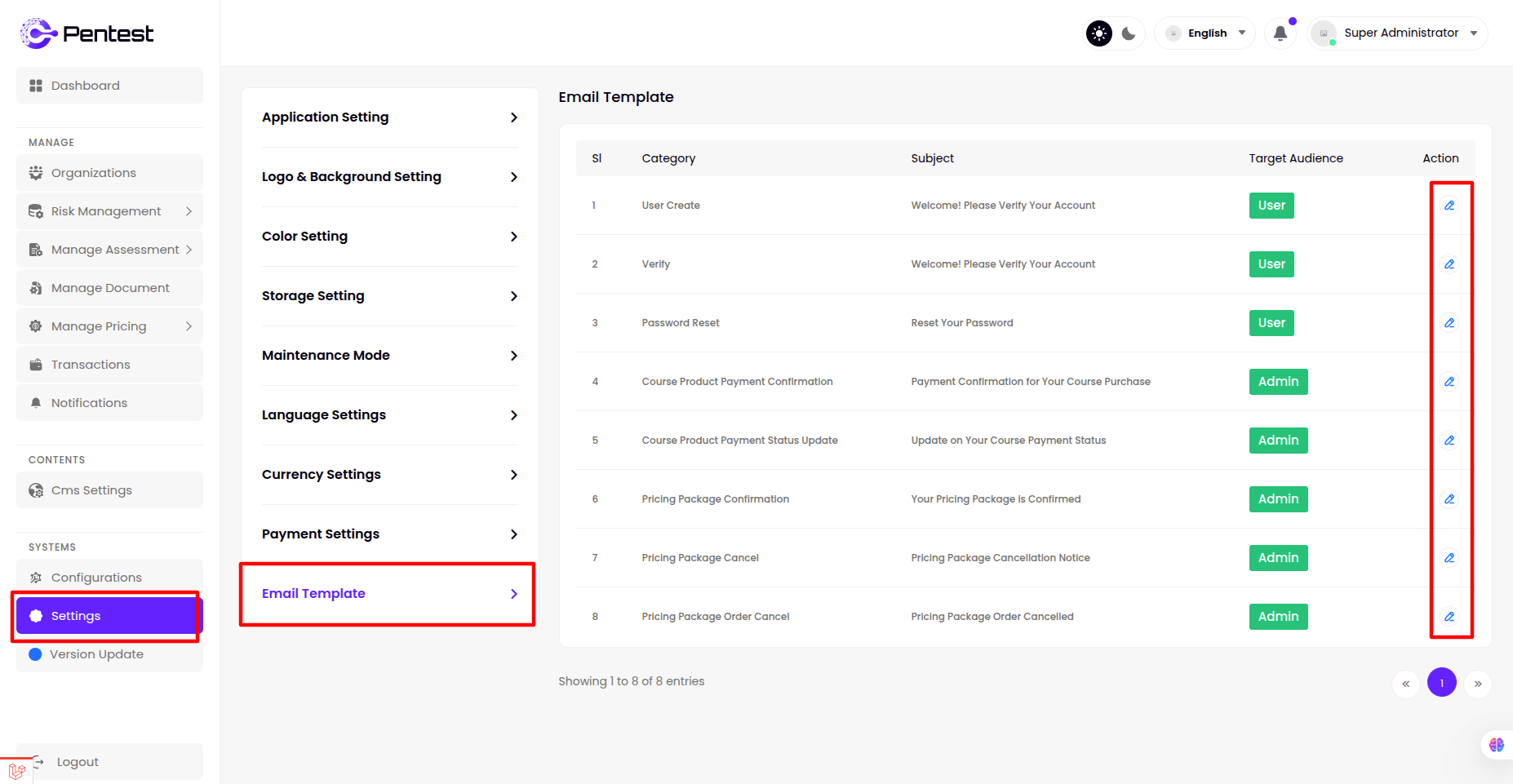
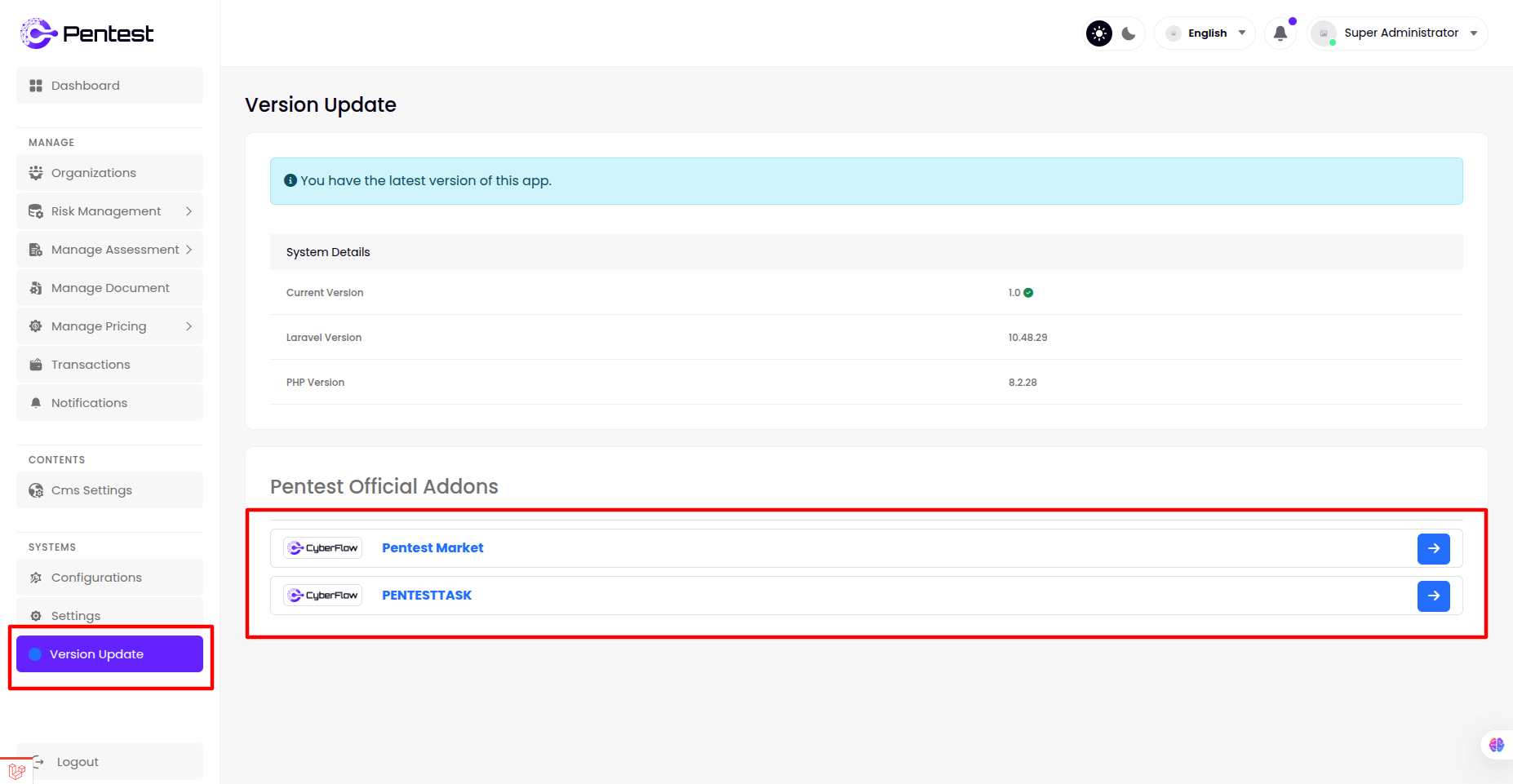
Email Template
Super admin can view and manage Email Template from this menu bar and customize for a Email Template by clicking Action.
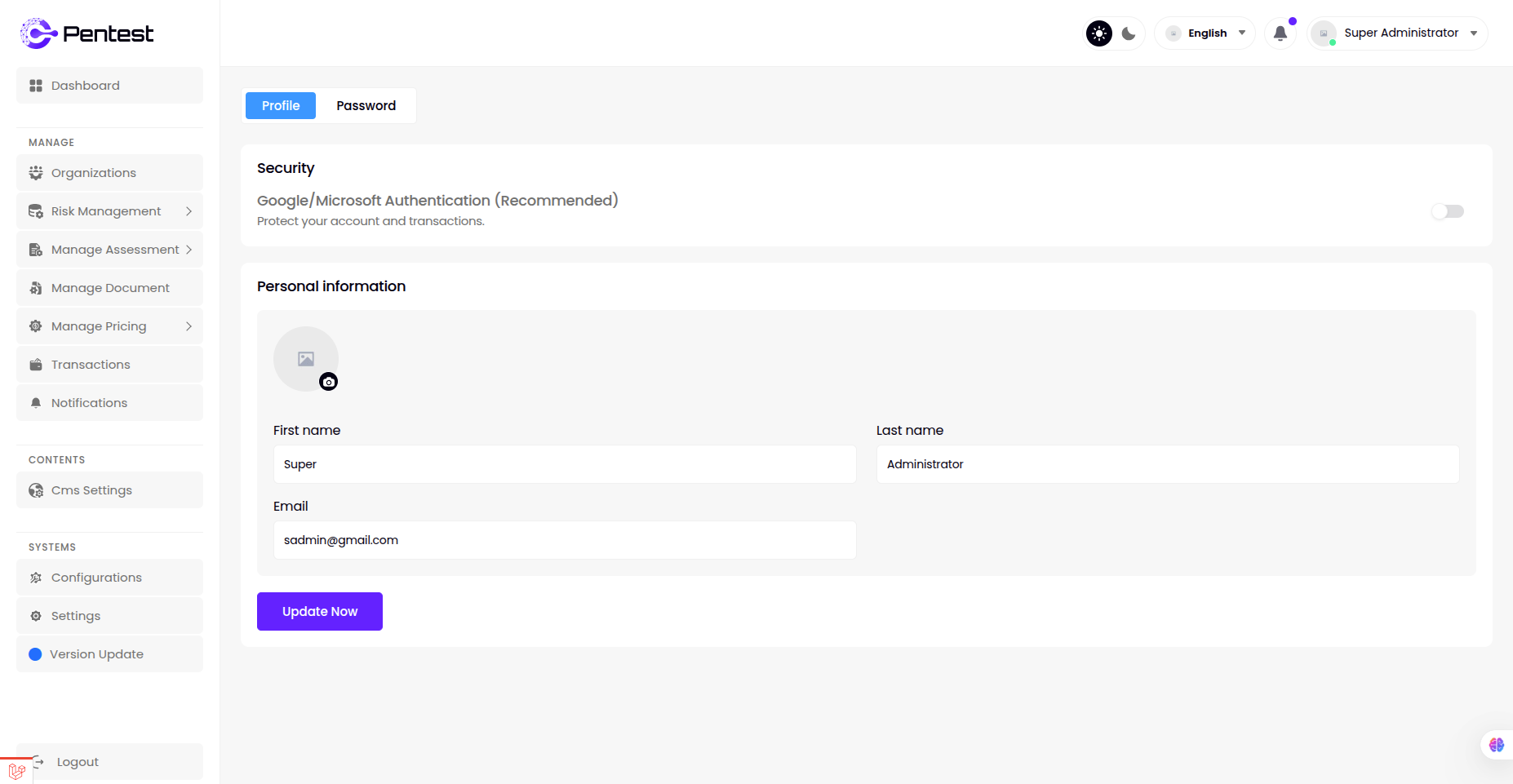
Profile
Basic Info
- Super admin can change image, name, email, designation from this panel.
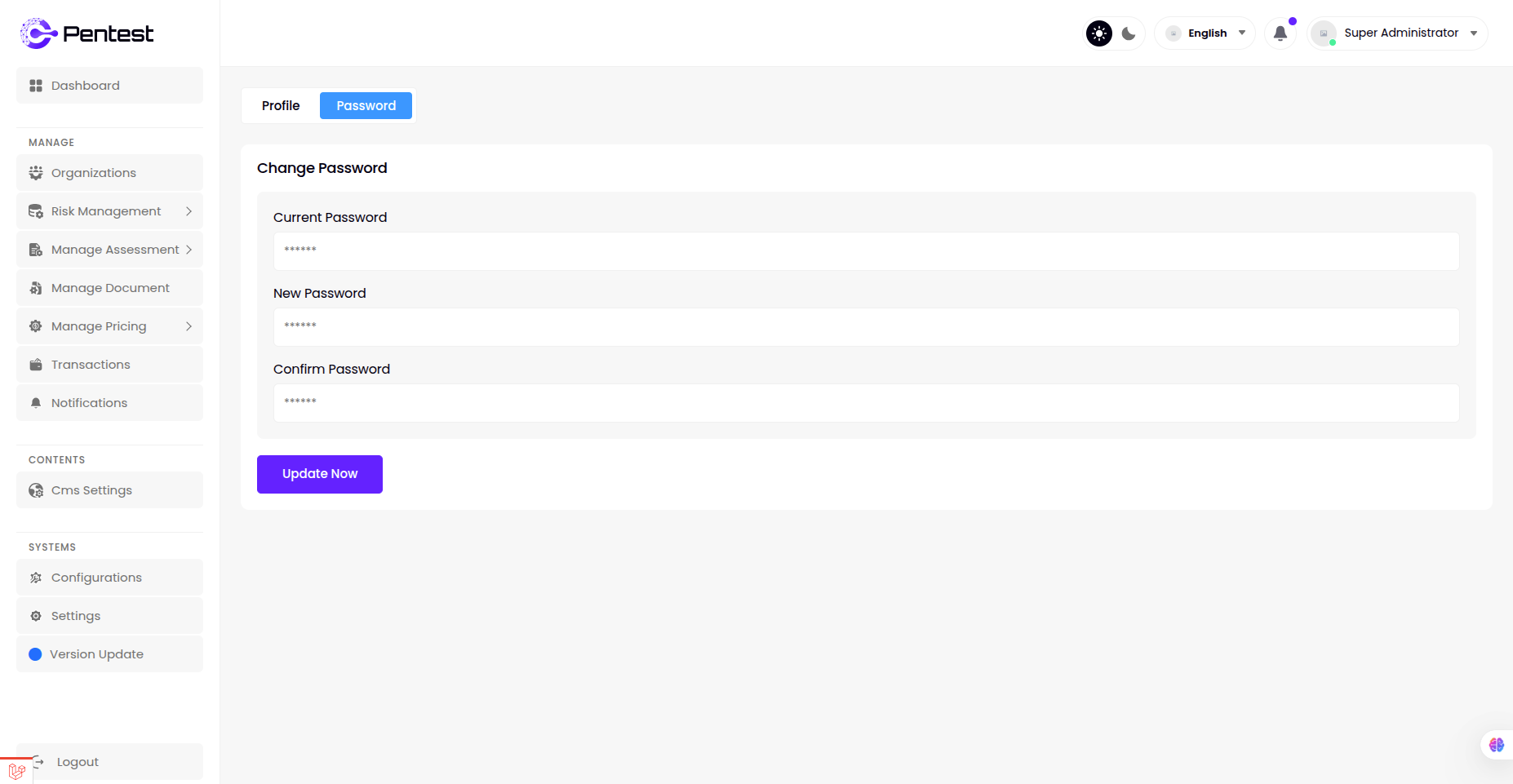
Change Password
- Super admin can change password from this panel.